A matte‑green, "deployed"‑style dark theme for VS Code by Hritik Raj — calm forest backgrounds with a crisp green accent, tuned for long coding sessions.
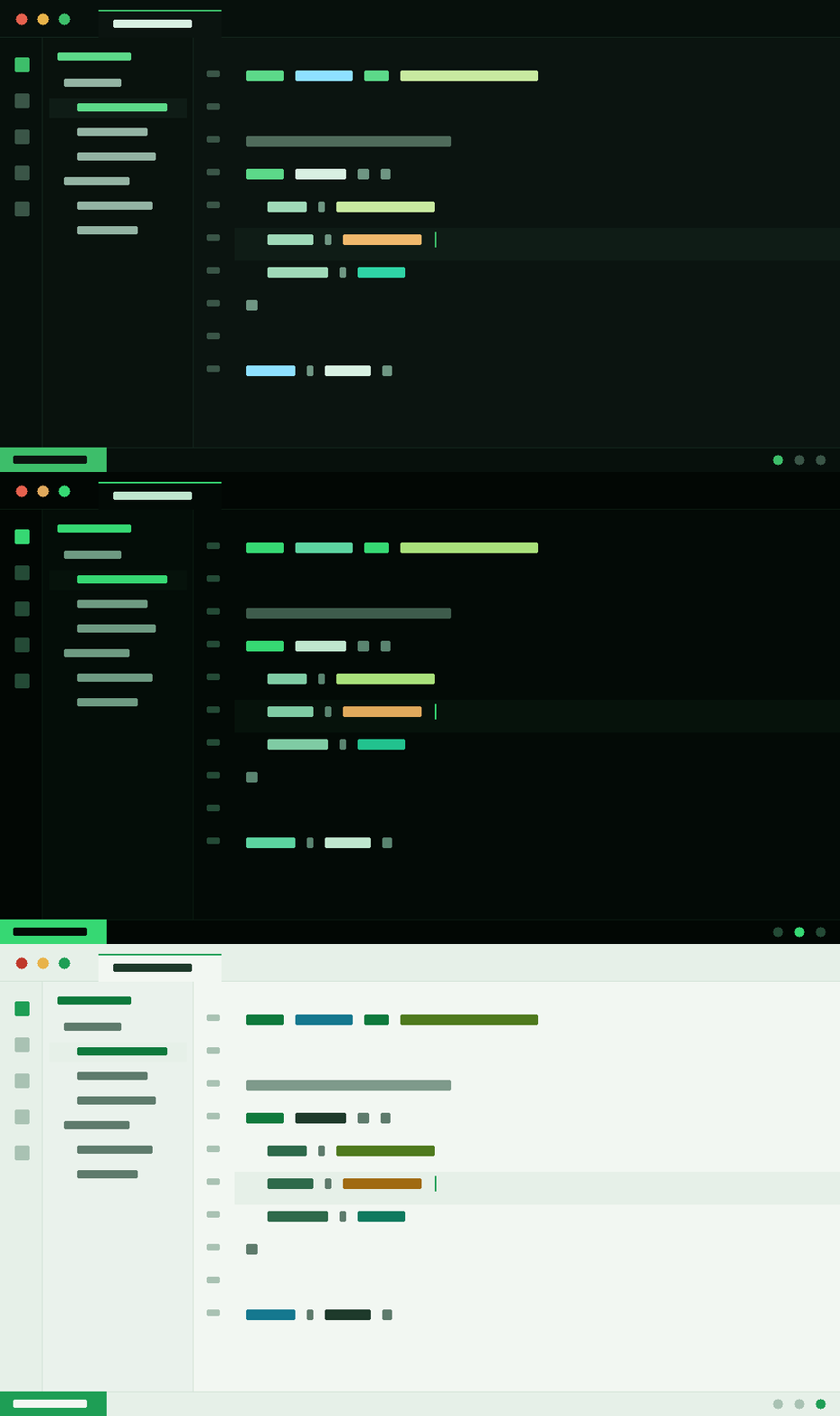
Variants
This extension ships seven themes — pick one from Preferences: Color Theme:
| Theme | Mode | Vibe |
|---|---|---|
| Coders Cookies | Dark | The signature matte green on forest #0B1410 |
| Coders Cookies Deep (Matte Green) | Dark | Deeper, near-black #030A06 with richer matte green — GoalPost CLI deployed look |
| Coders Cookies Soft (Matte Green) | Dark | A lighter, less-deep matte forest #16221B for brighter rooms |
| Coders Cookies Eye Comfort | Dark | Soft gray #191D1B, off-white text, desaturated low-blue syntax — the all-day pick |
| Coders Cookies Eye Comfort OLED | Dark | Near-black #0A0C0B (not pure #000) — saves OLED battery, no halation |
| Coders Cookies Warm Sepia | Dark | Amber #1E1810, minimal blue light — the late-night wind-down theme |
| Coders Cookies Light | Light | Soft green-tinted light mode #F2F7F2 for bright rooms |
The four newest variants are tuned around digital eye-strain research — no pure black, softened contrast, desaturated and warm / low-blue syntax. Read the write-up: Eye-Comfort Coding research.
Install
VS Code Marketplace
ext install coderscookies.coders-cookies-theme
Or search "Coders Cookies" in the Extensions view, then run Preferences: Color Theme → Coders Cookies.
Open VSX (VSCodium, Cursor, Gitpod, Theia, code‑server): search "Coders Cookies" in the extensions view.
Palette
| Role | Hex |
|---|---|
| Background | #0B1410 |
| Accent (matte green) | #3DBE6A |
| Bright green | #5CD989 |
| Strings | #C8E9A0 |
| Numbers | #F0B86C |
| Functions | #8EE0FF |
| Foreground | #D8F0E2 |
Links
Author
Built by Hritik Raj — github.com/rhrits
Part of Coders Cookies — open-source skills, free for everyone. 🍪