The Bento Color Theme is a VS Code theme extension inspired by Monkeytype's bento palette.
Source code: https://github.com/bf39l/bento-color-theme
Features
- Bento-inspired workbench and editor colors.
- Token colors for common syntax scopes.
- Integrated terminal ANSI color mapping.
Current Core Colors
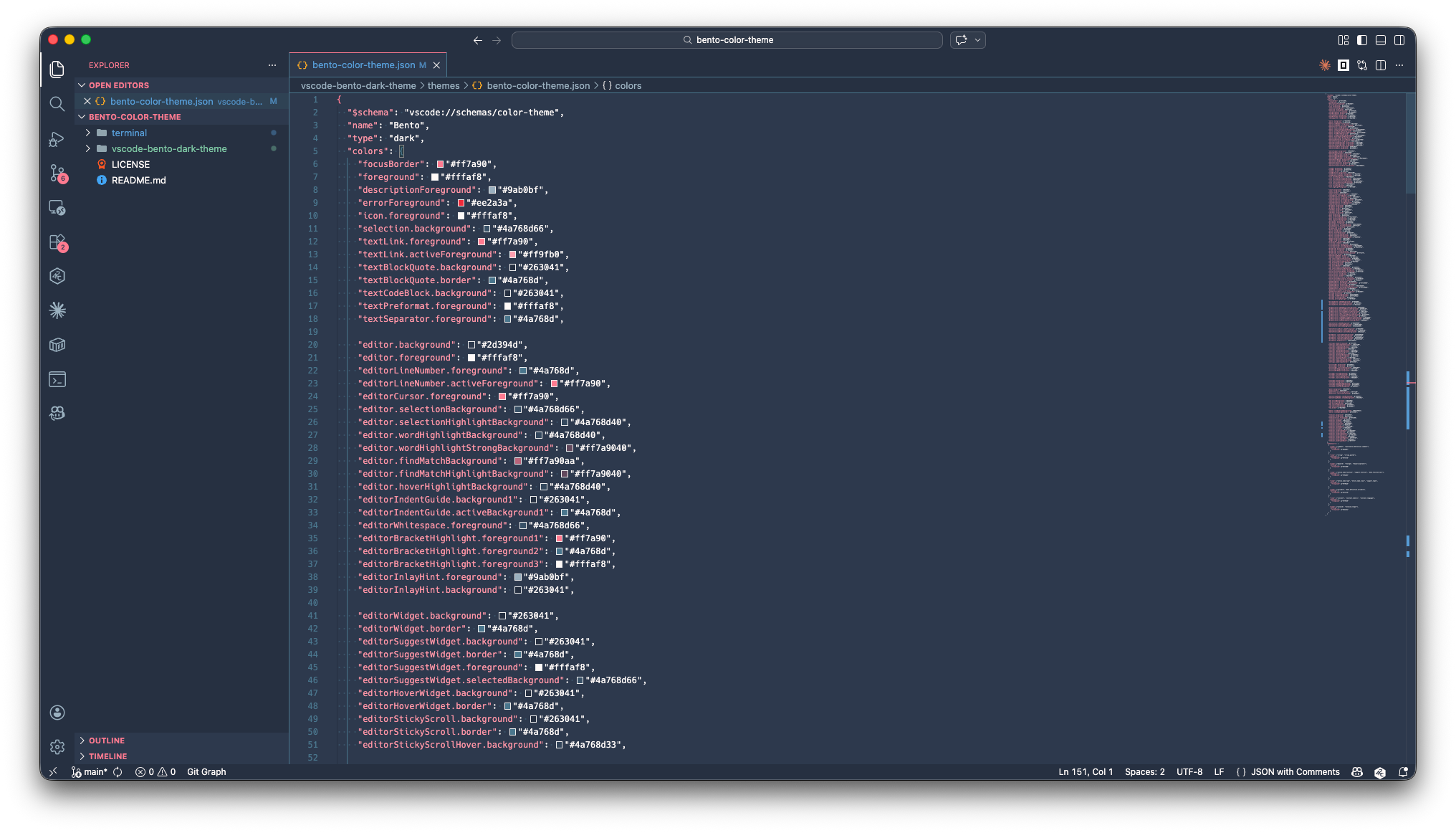
- Editor background:
#2d394d - Editor foreground:
#fffaf8 - Accent (focus/cursor/links):
#ff7a90 - Surface panels and inputs:
#263041 - Secondary UI borders and selection tint:
#4a768d - Error:
#ee2a3a
Integrated Terminal ANSI Mapping
- normal black
#263041, red#ee2a3a, green#5b879f, yellow#ff7a90 - normal blue
#6d95a9, magenta#ff7a90, cyan#9ab0bf, white#fffaf8 - bright black
#2d394d, bright red#f04040, bright green#5b879f, bright yellow#ff95a6 - bright blue
#6d95a9, bright magenta#ff9fb0, bright cyan#9ab0bf, bright white#ffffff
Screenshot
Installation
- Open Extensions in VS Code.
- Choose
Install from VSIX.... - Select the packaged
.vsixfor this extension. - Run
Preferences: Color Themeand pickBento.
Requirements
No additional runtime requirements.
Extension Settings
This extension contributes a color theme and does not add custom settings.
Development
- Open this folder in VS Code.
- Press
F5to launch an Extension Development Host. - In the new window run
Preferences: Color Theme. - Select
Bento.
To package locally:
- Install
vsce:npm i -g @vscode/vsce - Run
vsce package --out ./outputsfrom this folder.
To publish to the Visual Studio Marketplace:
- Run
vsce publishfrom this folder.
To unpublish from the Visual Studio Marketplace:
- Run
vsce unpublish bf39LMintysNZ.bento-vscode-dark-themefrom this folder. - To skip confirmation, run
vsce unpublish bf39LMintysNZ.bento-vscode-dark-theme --force.
Release Notes
See CHANGELOG.md for version history.
License
This extension is licensed under GNU General Public License v3.0 (GPL-3.0). See LICENSE.
This work adapts the Monkeytype bento palette/theme mapping. Preserve attribution and license notices when redistributing derivative versions.
Source Inspiration
Base palette inspiration:
https://github.com/monkeytypegame/monkeytype.git/frontend/src/ts/constants/themes.ts