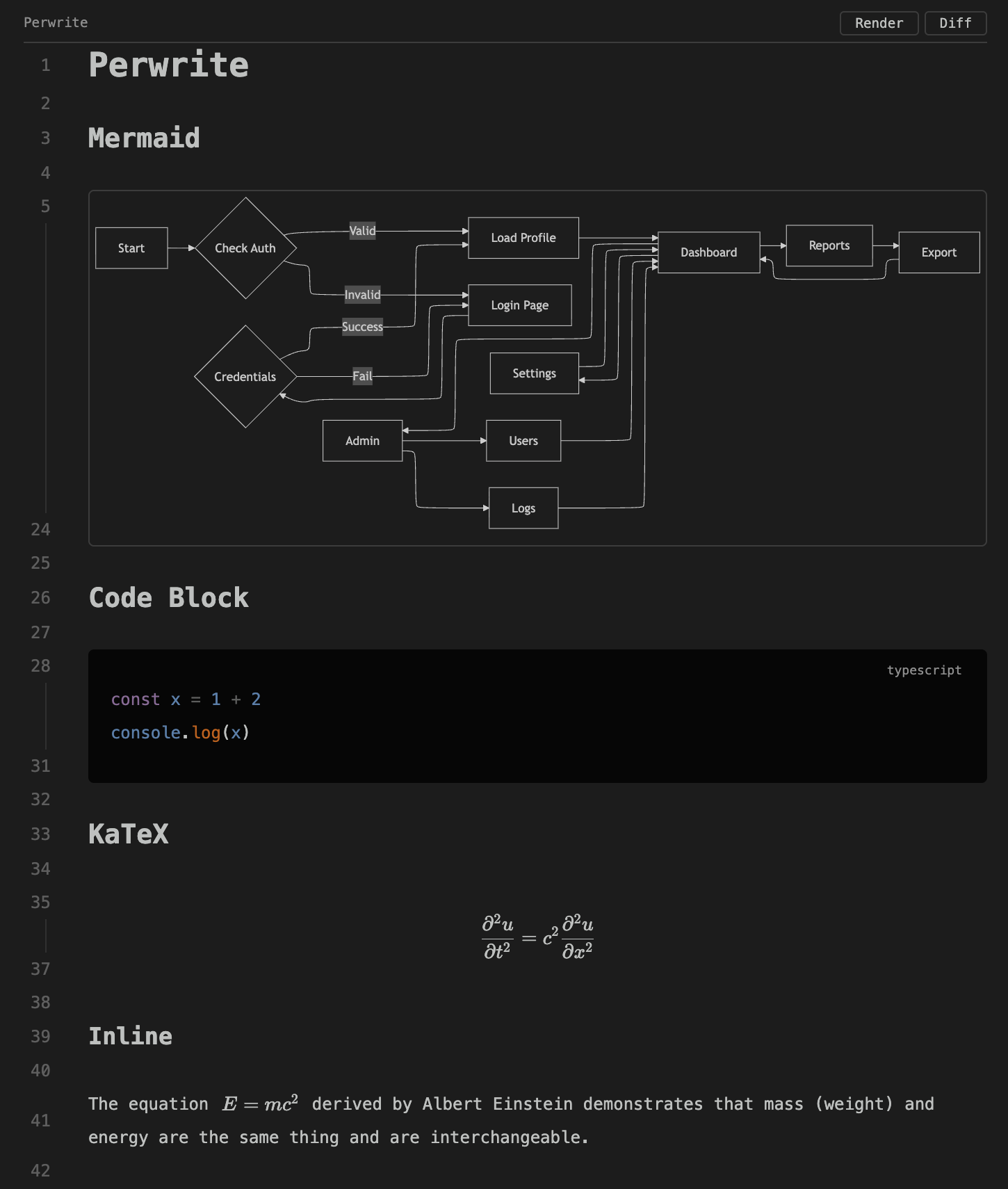
Perwrite is a Markdown editor extension for VS Code and compatible editors. It lets you edit Markdown while previewing rich rendering in the same editor surface.
It renders:
- Mermaid diagrams and KaTeX math
- Shiki syntax highlighting
- GFM tables, task lists, and internal links
Example
Usage
- Install Perwrite in VS Code or a compatible editor.
- Open a Markdown file.
- Use the buttons in the upper-right corner to switch view modes.
- Open
docs/perwrite-showcase.mdto inspect the supported Markdown structures in one document.
raw
rich
render
Supported environments
- VS Code 1.120.0 or later
- VS Code-compatible editors that support the VS Code extension API
KaTeX input that cannot be interpreted as a formula remains ordinary Markdown text.
Mermaid diagrams
Rendered Mermaid diagrams provide a translucent icon in the upper-right corner for opening the expanded view. The expanded view supports icon controls, keyboard movement, pointer dragging, wheel movement, and Ctrl / Meta plus wheel zooming.
perwrite.mermaidLayout: layout engine, withelkas the defaultperwrite.mermaidMaxEdges: edge limit, with1024as the defaultperwrite.mermaidPanStep: arrow-key movement in pixels, with80as the defaultperwrite.mermaidZoomStep: button, keyboard, and wheel-notch scale factor, with1.5as the default
Code block wrapping
This setting controls visual wrapping for fenced code block lines.
- Setting:
perwrite.codeBlockWrap - Default:
truewraps lines to the document width - Disabled:
falsepreserves logical lines with horizontal scrolling inside the code block
Inline code, Mermaid diagrams, KaTeX formulas, and tables retain their existing rendering.
Contributing
Build, test, and packaging instructions are in CONTRIBUTING.md.
License
Perwrite is distributed under the MIT License.