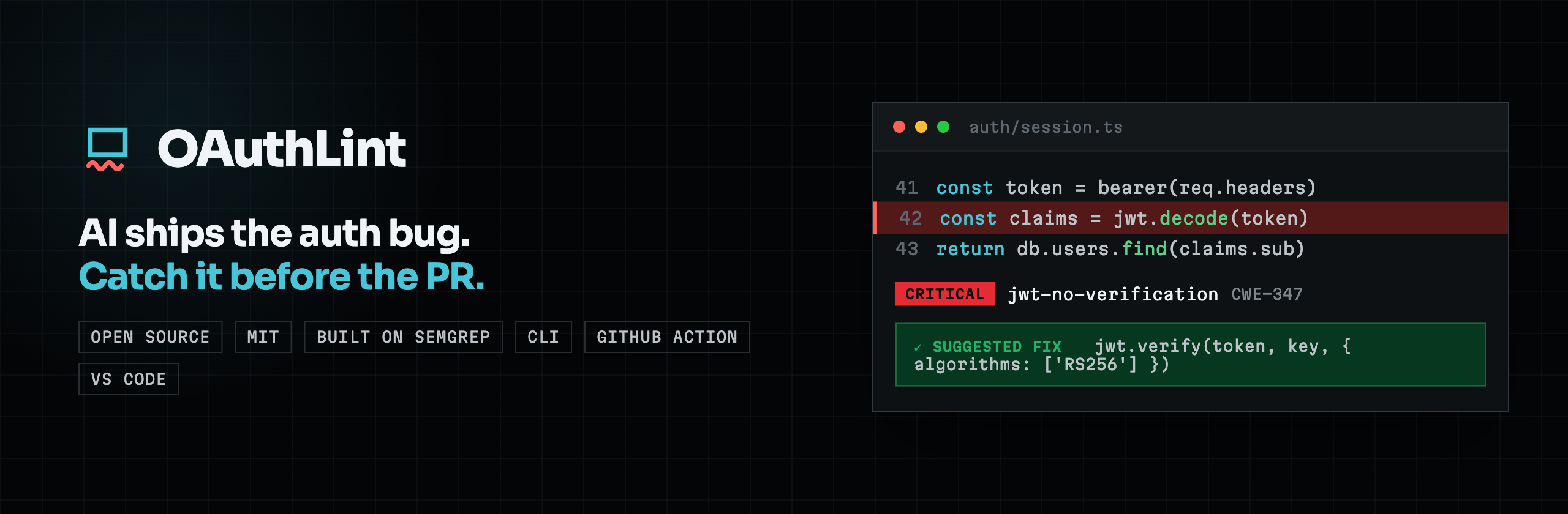
Catch the OAuth, OIDC, JWT, MCP, session, and CORS anti-patterns that AI coding tools produce, right in your editor. oauthlint flags risky auth code as you save, links every finding to its explanation, and (when a finding ships a safe rewrite) offers a one-click fix.
Available on the VS Code Marketplace and on Open VSX for Cursor, Windsurf, and other VS Code-compatible editors.
In the editor
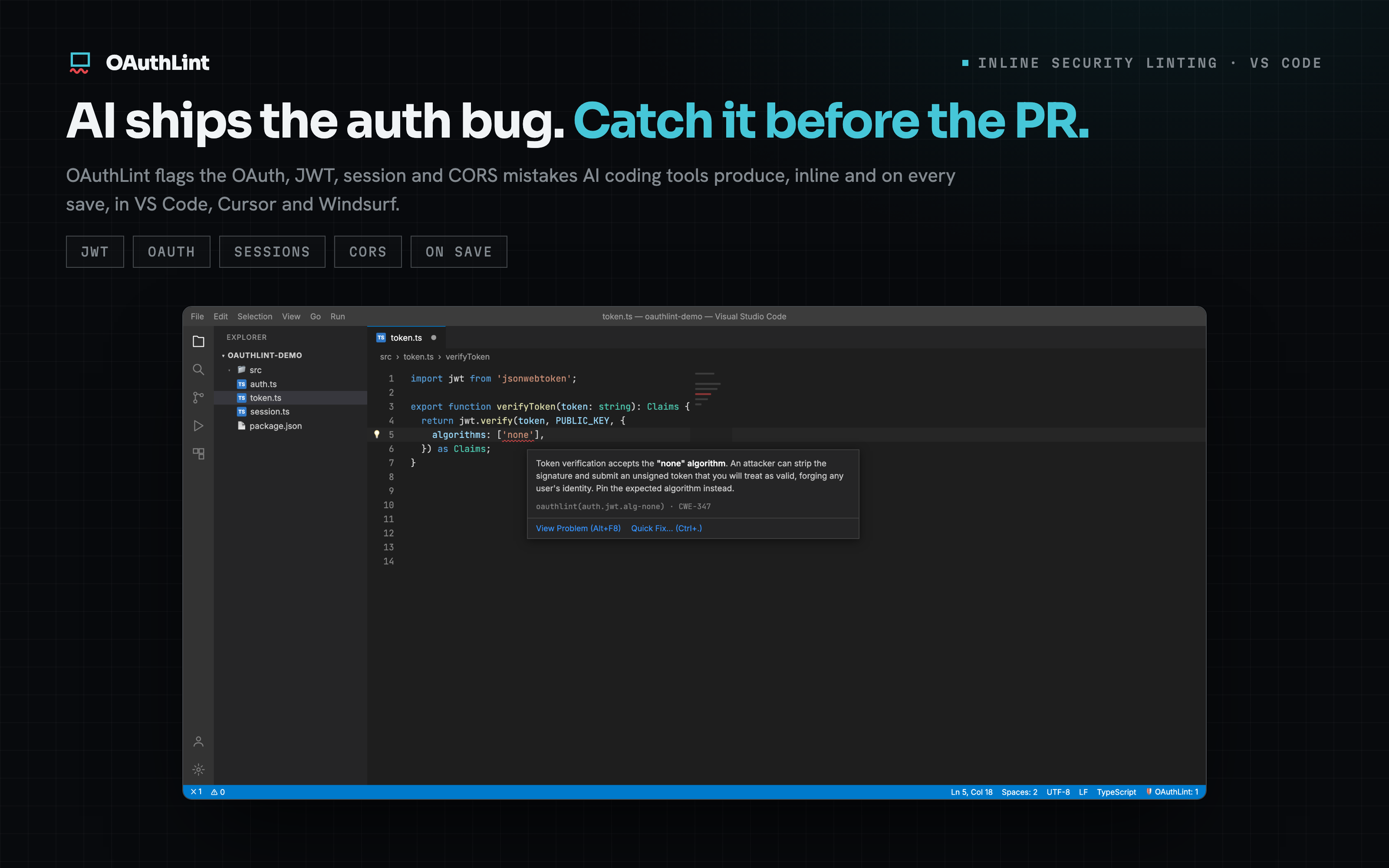
Every finding explains itself. Hover any finding for a plain-English reason it is dangerous, its rule id, and the mapped CWE, with a jump to the problem or a fix.
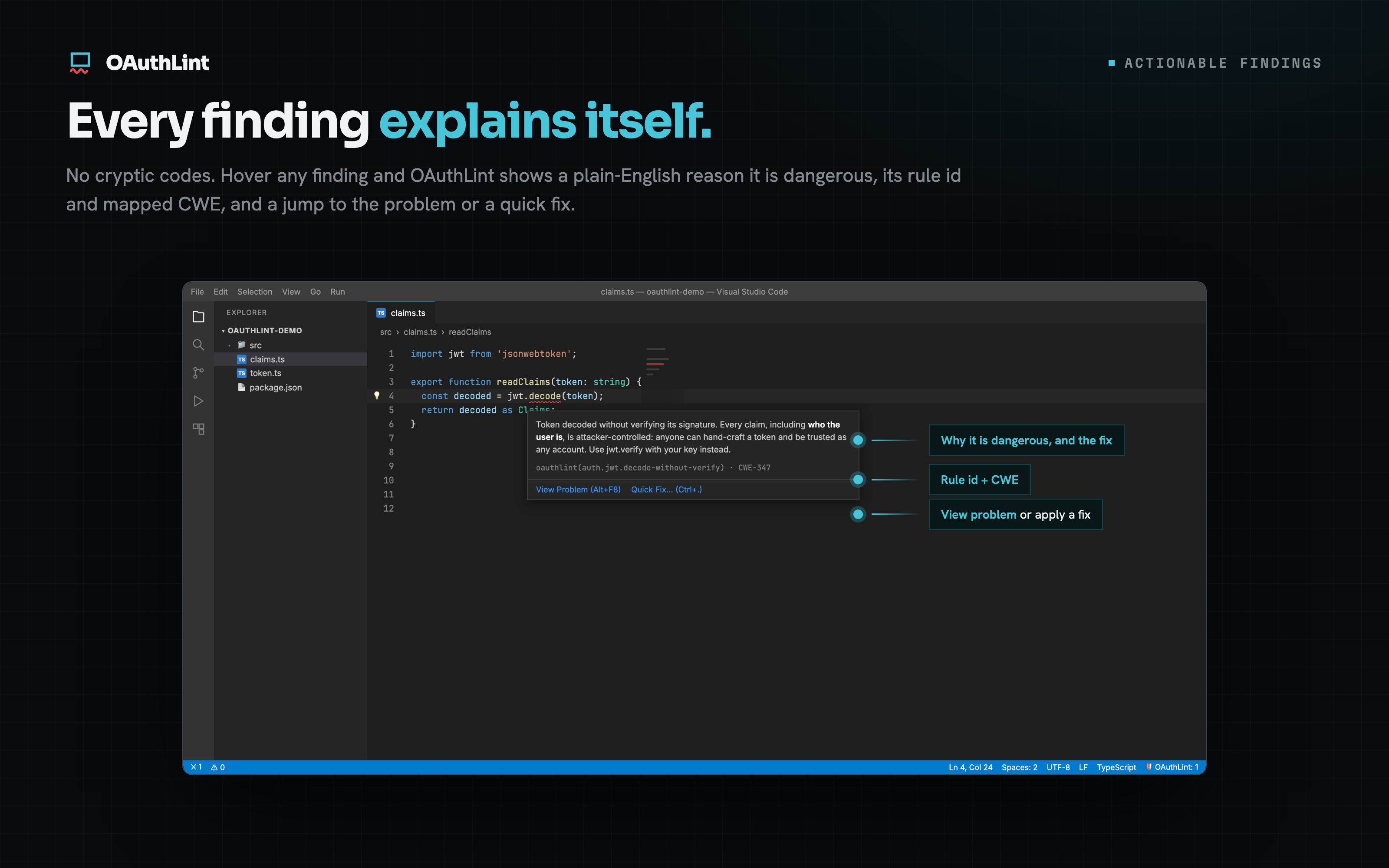
Severity, right where you work. Findings surface as native diagnostics, squiggles in the editor and rows in the Problems panel, with severity mapped to errors and warnings.
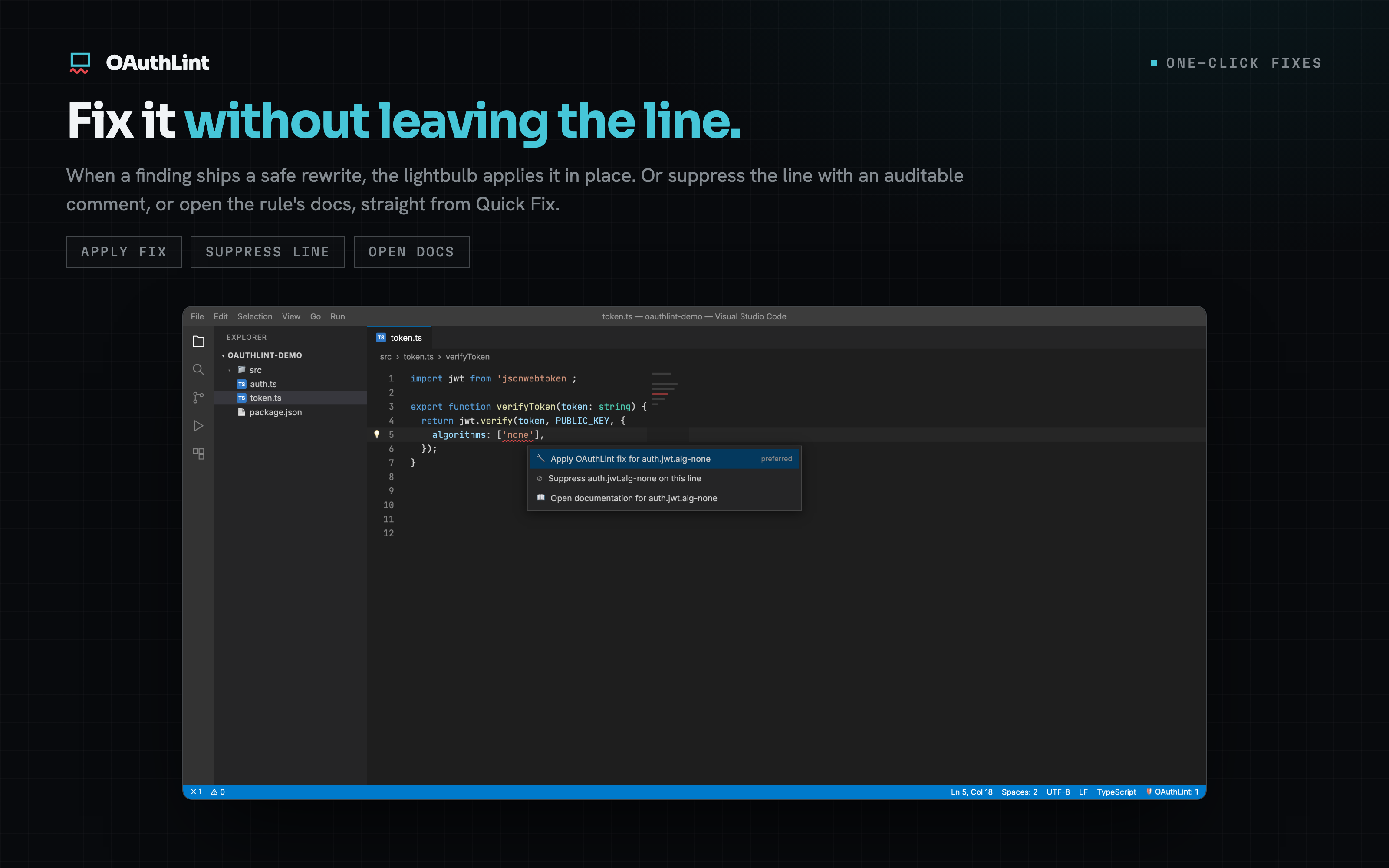
Fix it without leaving the line. When a finding ships a safe rewrite, the lightbulb applies it in place, suppresses the line with an auditable comment, or opens the rule's docs.
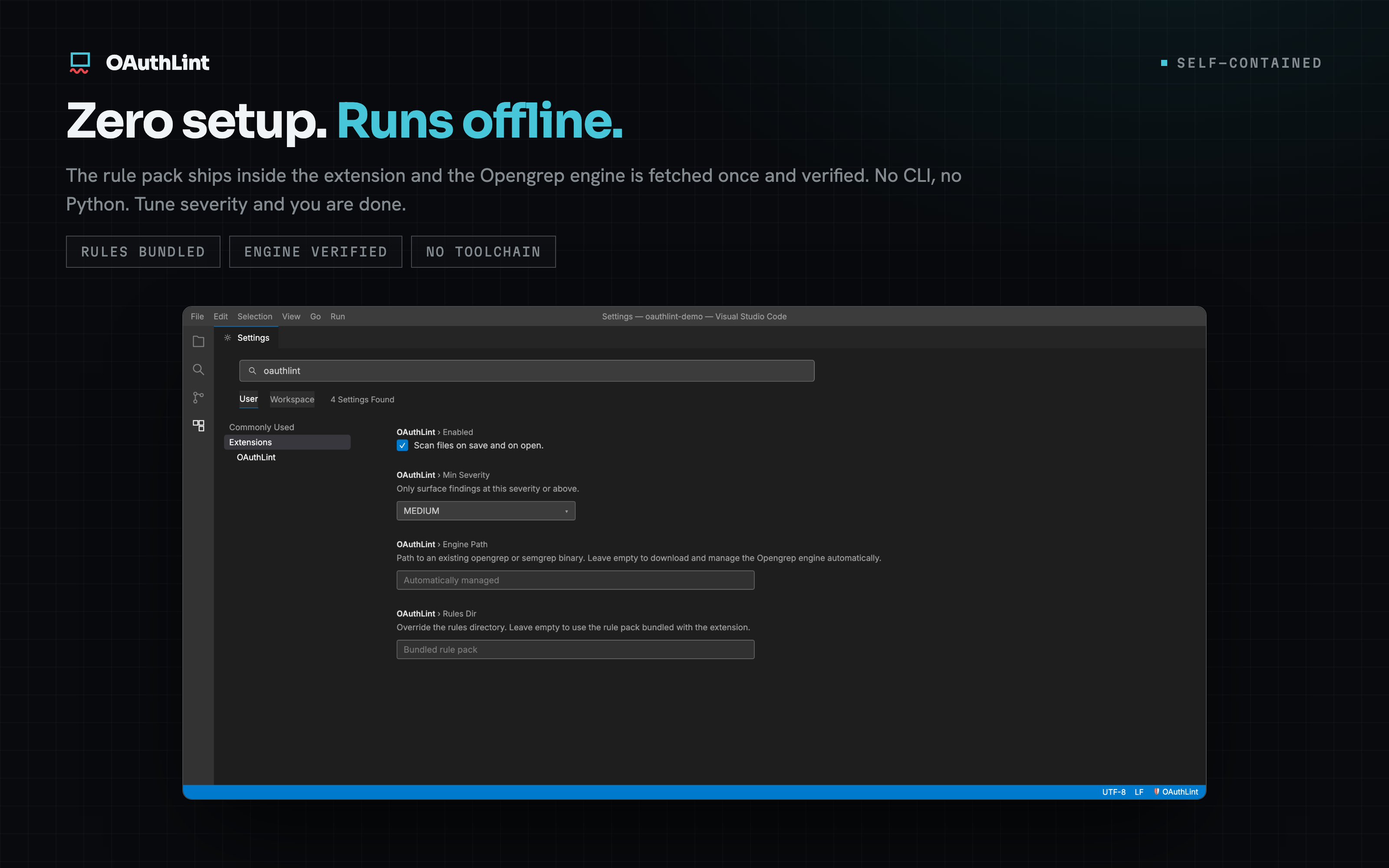
Zero setup, runs offline. The rule pack ships inside the extension and the engine is fetched once and verified. No CLI, no Python. Tune severity and you are done.
What it does
- Inline diagnostics on save and on open, for all eleven supported languages (JavaScript, TypeScript, Python, Go, C#, and more) plus mobile auth (Swift/iOS, Android).
Severity maps to the editor's usual squiggles, so a
CRITICALfinding reads as an error and aLOWone as information. - Rule id and docs link on every finding. Each diagnostic carries its rule id
(for example
auth.jwt.no-verification) and a link straight to that rule's page on oauthlint.dev. A hover adds the full message (the why and the fix) and any CWE the rule references. - Quick Fix: apply the fix. When a finding carries an autofix, the lightbulb
offers Apply OAuthLint fix for
<rule-id>as the preferred action. It rewrites just the offending span in place, the same deterministic replacement the CLI's--fixapplies, without re-running the scan or touching the rest of the file. Findings without a fix don't show this action. - Quick Fix: suppress a line. Suppress
<rule-id>on this line inserts an// oauthlint-disable-next-line <rule-id>directive above the finding, the same auditable comment the CLI honours, for the cases you've reviewed and accepted. - Quick Fix: open documentation. Open documentation for
<rule-id>opens the rule's page in your browser. - Status bar item showing the OAuthLint finding count for the active file
(
$(shield) OAuthLint: 3). It spins while a scan is running ($(sync~spin) OAuthLint: scanning…), turns into a$(warning)warning when a scan can't run (with a tooltip pointing at the OAuthLint output channel), and re-scans the current file when clicked. It hides for non-JS/TS files.
The OAuthLint engine and rule pack ship inside the extension, so scans run
in-process and render as native VS Code diagnostics. There is no oauthlint CLI
to install.
Requirements
Nothing to install and no config. The rule pack ships inside the extension, and a
small pinned scan engine is downloaded automatically the first time you scan. That
is a one-time download of about 41 MB, verified against a pinned checksum, then
cached and reused. There is no separate CLI to install. If you already have
opengrep or semgrep on your machine, point oauthlint.enginePath at it to skip
the download.
Settings
| Setting | Default | Description |
|---|---|---|
oauthlint.enabled |
true |
Scan on save and on open |
oauthlint.minSeverity |
MEDIUM |
Only surface findings at this severity or above |
oauthlint.rulesDir |
empty | Override the rules directory (empty = the rule pack bundled with the extension) |
oauthlint.enginePath |
empty | Path to an existing opengrep/semgrep binary (empty = download and manage Opengrep automatically) |
Commands
- oauthlint: Scan current file
- oauthlint: Scan workspace
- oauthlint: Open rule documentation
- oauthlint: Retry scan engine setup
The editor integration scans every language OAuthLint supports. The full oauthlint rule pack covers 270+ rules across eleven languages (JavaScript, TypeScript, Python, Go, C#, and more) plus mobile auth (Swift/iOS, Android), including a dedicated MCP server-auth pack (token pass-through, RFC 8707 audience binding, unauthenticated transports, tool-handler SSRF) and dataflow (taint) rules for open-redirect and SSRF, and runs from the CLI and GitHub Action.
Learn more
Full rule catalogue and guides at oauthlint.dev · source on GitHub.
See also: the MCP server lets AI coding tools scan the auth code they generate, in the loop, before it reaches your editor.