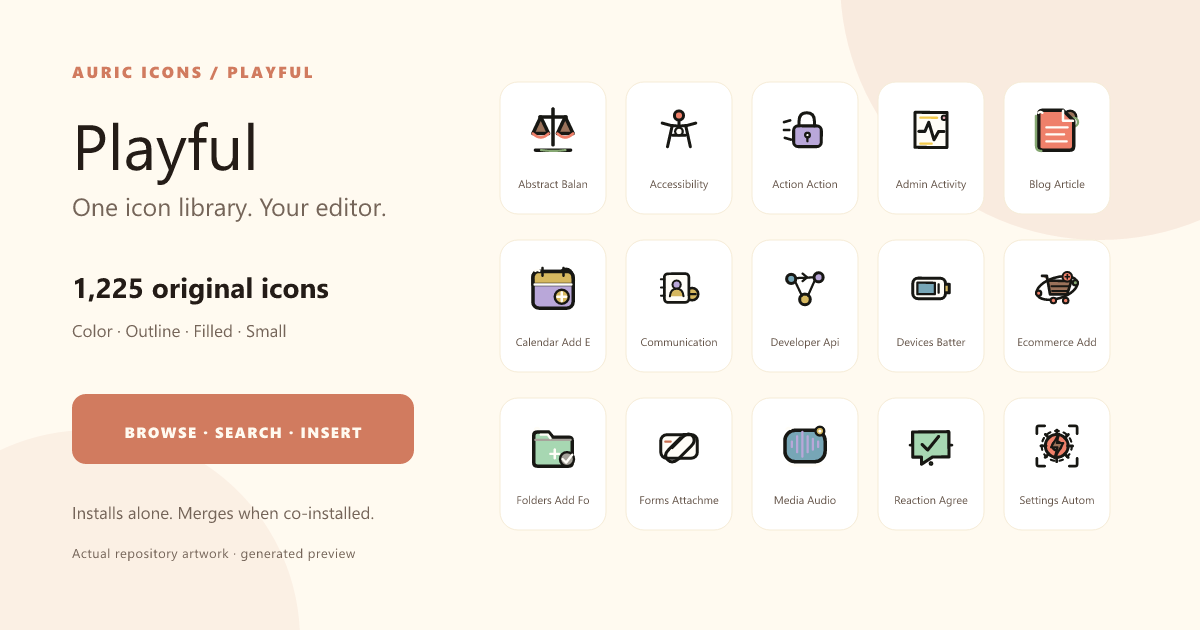
A 1,225-icon emoji-style SVG library for VS Code: warm, expressive artwork with dedicated color, outline, filled, and small-size variants.
What is included
- 1,225 validated icons across 24 categories and four honest variants.
- Small redrawings simplify details for 16-24 px use; they are not mislabeled duotone or monochrome exports.
- Smart search and recommendations using concepts, tags, synonyms, active-file context, likes, and recent use.
- Smart Insert and nine copy formats for raw SVG, JSX, React, HTML, Markdown, CSS, data URI, image tag, name, and catalog path.
- Save/open-source actions, multi-cursor insert, keyboard navigation, and hover previews for icon IDs.
One explorer across installed collections
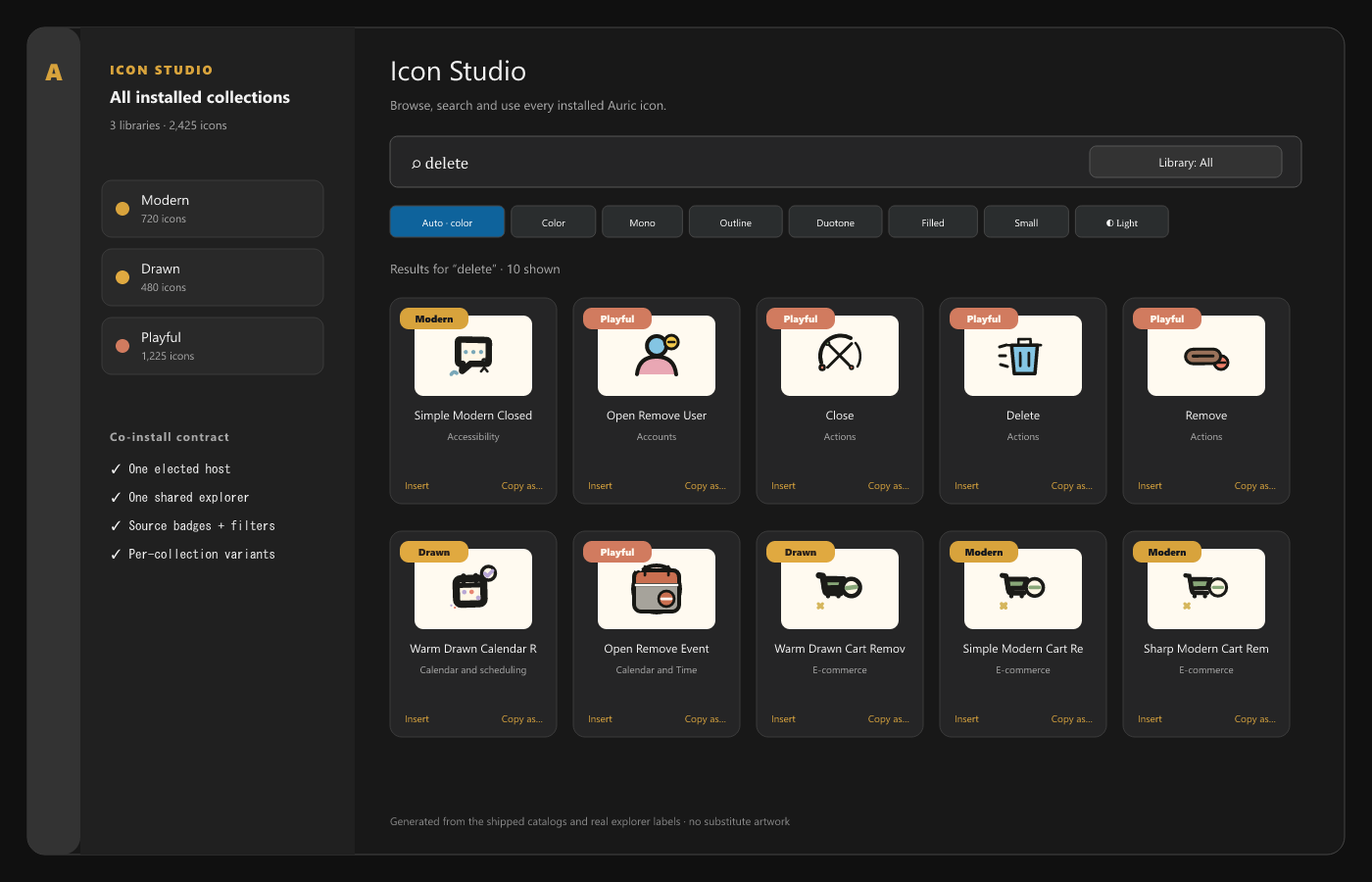
Playful works by itself or beside Auric Icons: Modern and Auric Icons: Drawn. Co-installed extensions elect one host, merge their catalogs, and expose one Icon Studio with source badges, Library filtering, and a data-driven variant switcher.
Search, preview, and use
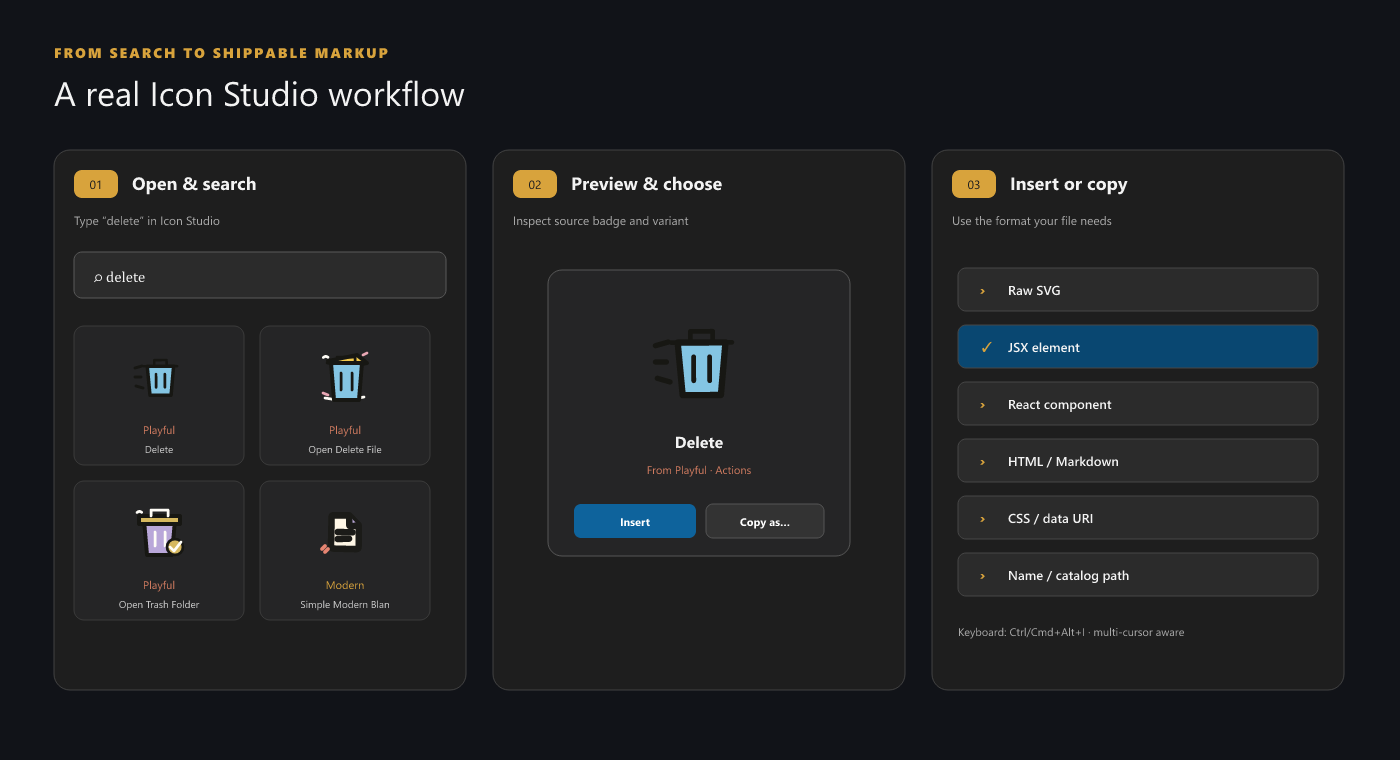
- Open the Auric Icons: Playful Activity Bar view or run Open Icon Library.
- Search the 24 categories by name, concept, description, or synonym.
- Choose Auto, Color, Outline, Filled, or Small.
- Insert or copy in the format your active file needs.
| Action | Windows/Linux | macOS |
|---|---|---|
| Smart Insert | Ctrl+Alt+I |
Cmd+Alt+I |
| Insert from Recent | Ctrl+Alt+R |
Cmd+Alt+R |
Settings live under auricIconsPlayful.library.*: default variant, page size,
smart insert, recommendations, guide, density, and hover previews. The explorer
remembers its Auto/Light/Dark preview surface locally.
File-icon theme
Playful deliberately remains a library-only extension. Its retired gallery theme did not meet the same 16 px silhouette, folder-pair, mapping, and regression gates as Auric Icons: Modern, which is the family theme. Installing Modern and Playful together provides that theme and keeps both libraries in one explorer.
Compatibility and installation
- VS Code
1.85.0or newer. - Compatible with forks that preserve VS Code's extension APIs.
- No network access or telemetry at runtime.
After Marketplace publication:
code --install-extension auric-artisan.auric-icons-playful
For a local launch build, run npm run package:extensions from
Auric-Artisan-Icon-Library, then install the matching VSIX from release/.
Related collections
Accessibility, privacy, and license
Components and explorer controls support accessible names, keyboard focus, and status announcements. Personalization is stored only in VS Code extension storage. Free to use for any purpose; redistribution and resale are not permitted — see LICENSE.