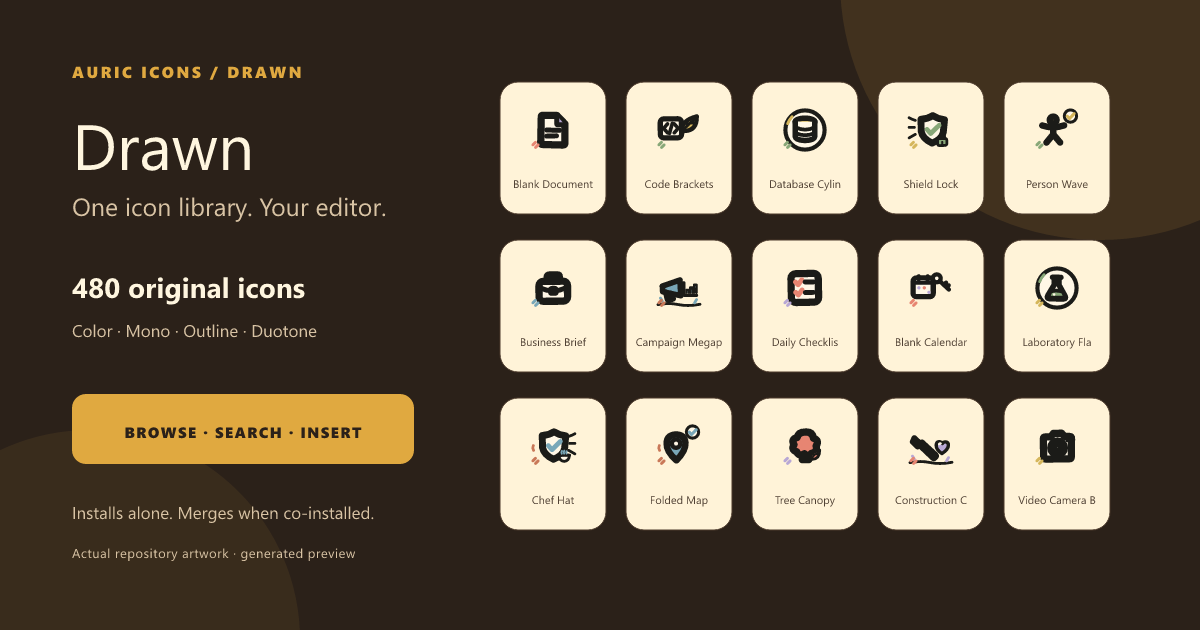
A 480-icon Warm Drawn SVG library with organic geometry, friendly imperfections, and production-ready search, preview, copy, and insertion inside VS Code.
What is included
- 480 original icons in color, mono, outline, and duotone.
- Smart search: synonym-aware (for example,
deletefinds trash), fuzzy, and personalized by what you like and use. - Smart Insert: JSX in React, markup in HTML, data URIs in CSS, Markdown images, and multi-cursor insertion.
- Nine copy formats, Save SVG As…, Open SVG Source, likes, recent icons, recommendations, and hover previews for icon IDs.
- Fully offline with no telemetry.
One explorer across installed collections
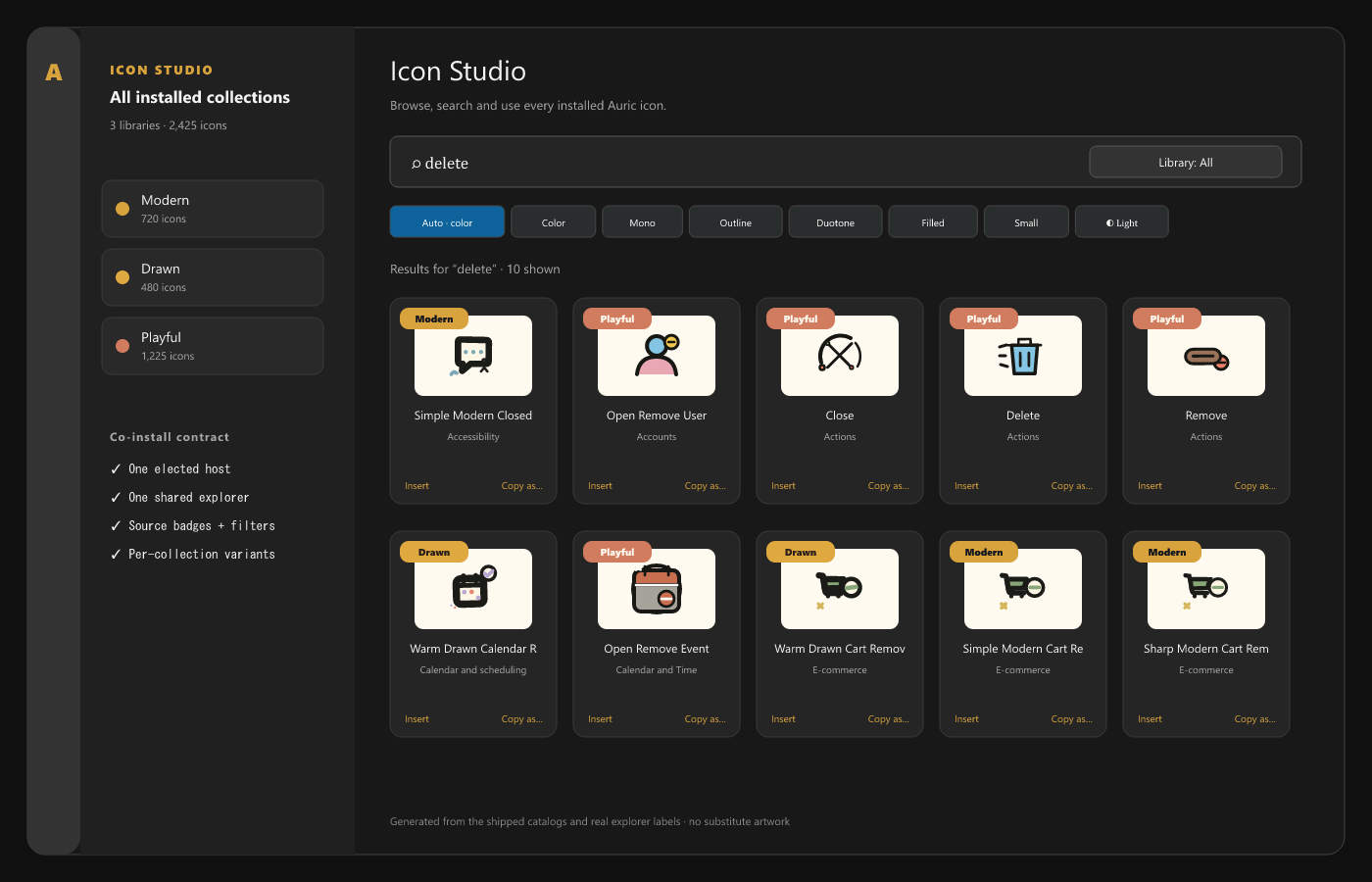
Drawn works by itself. When Auric Icons: Modern or Auric Icons: Playful is also installed, the extensions elect one host and show one Icon Studio instead of duplicate sidebars. A Library filter and per-card badges preserve collection identity, while variants fall back to color only when a collection does not provide the selected style.
Search, preview, and use
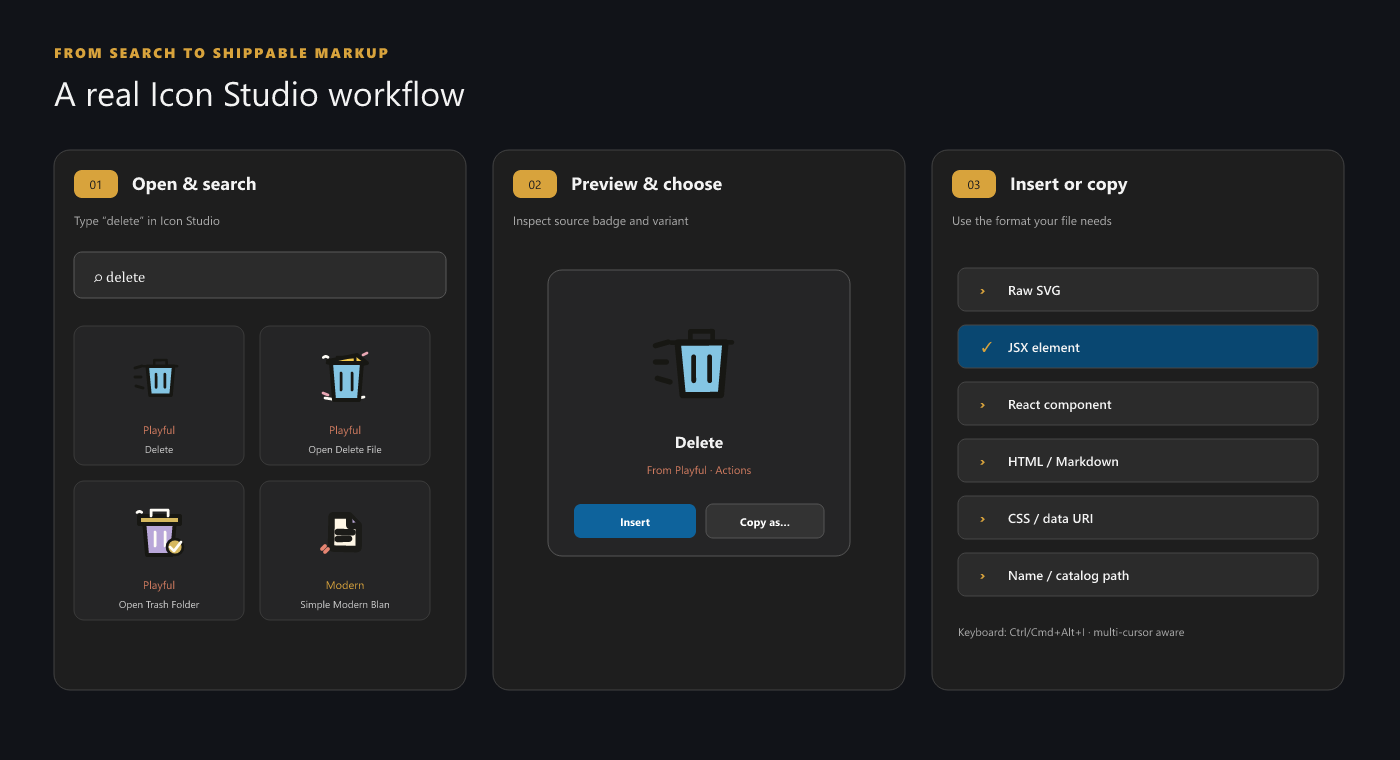
- Open the Auric Icons: Drawn Activity Bar view or run Open Icon Library.
- Search by concept, description, tag, or synonym.
- Choose Auto, Color, Mono, Outline, or Duotone.
- Insert the SVG or use Copy as… for framework-ready output.
| Action | Windows/Linux | macOS |
|---|---|---|
| Smart Insert | Ctrl+Alt+I |
Cmd+Alt+I |
| Insert from Recent | Ctrl+Alt+R |
Cmd+Alt+R |
Settings live under auricIconsDrawn.library.*: default variant, page size,
smart insert, recommendations, guide, density, and hover previews. The explorer
remembers its Auto/Light/Dark preview surface locally.
File-icon theme
Drawn deliberately does not contribute a file-icon theme. Its 64 px illustration language does not have the paired 16 px folder geometry and semantic association system required for a high-quality Explorer theme. Install Auric Icons: Modern alongside it for the family file-and-folder theme; both collections still merge in Icon Studio.
Compatibility and installation
- VS Code
1.85.0or newer. - Compatible with forks that preserve VS Code's extension APIs.
- No network access or telemetry at runtime.
After Marketplace publication:
code --install-extension auric-artisan.auric-icons-drawn
For a local launch build, run npm run package:extensions from
Auric-Artisan-Icon-Library, then install the matching VSIX from release/.
Related collections
Accessibility, privacy, and license
Explorer controls are keyboard accessible and announce result/status changes. Personalization is stored only in VS Code extension storage. Free to use for any purpose; redistribution and resale are not permitted — see LICENSE.