


VS Code color themes inspired by a coral terminal aesthetic — dark and light variants, built from real warm-gray/coral design tokens. Coral accent (#D97757), semantic highlighting, bracket-pair colors, diff/merge colors.
- Clay Terminal — dark, near-black warm background
- Clay Terminal Light — light, warm off-white background
- Clay Terminal High Contrast / Clay Terminal Light High Contrast — accessibility-focused variants with stronger borders and higher-contrast text
- Clay Terminal Icons — a matching file icon theme (90+ languages/file types) plus a scoped product icon theme (chevrons, folders, git glyphs), included in this same extension (no separate install)
Pairs well with a clean monospace font like JetBrains Mono or Berkeley Mono, though that's a personal editor setting, not something this extension can install for you.
Screenshots
| Dark | Light |
|---|---|
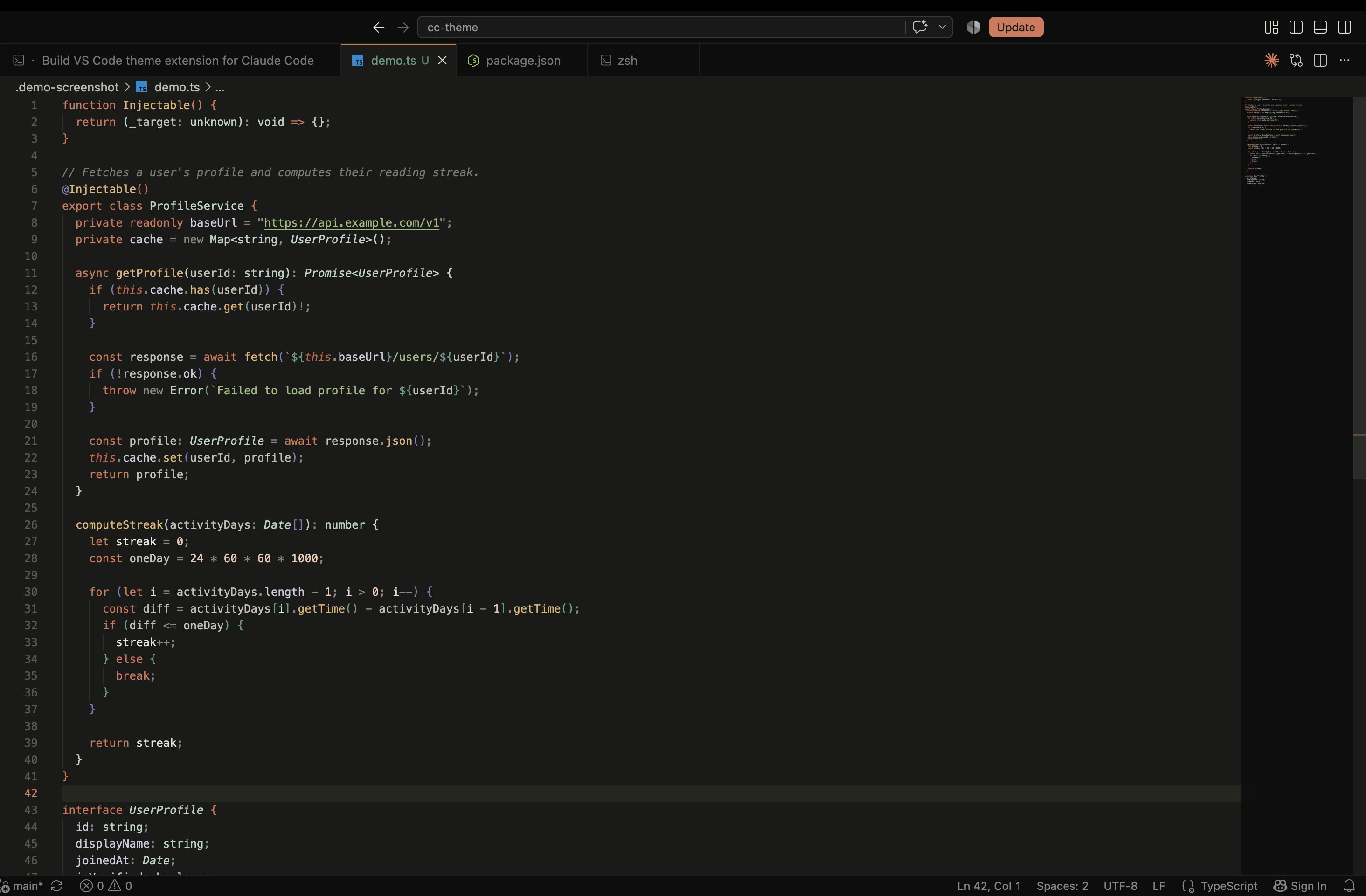 |
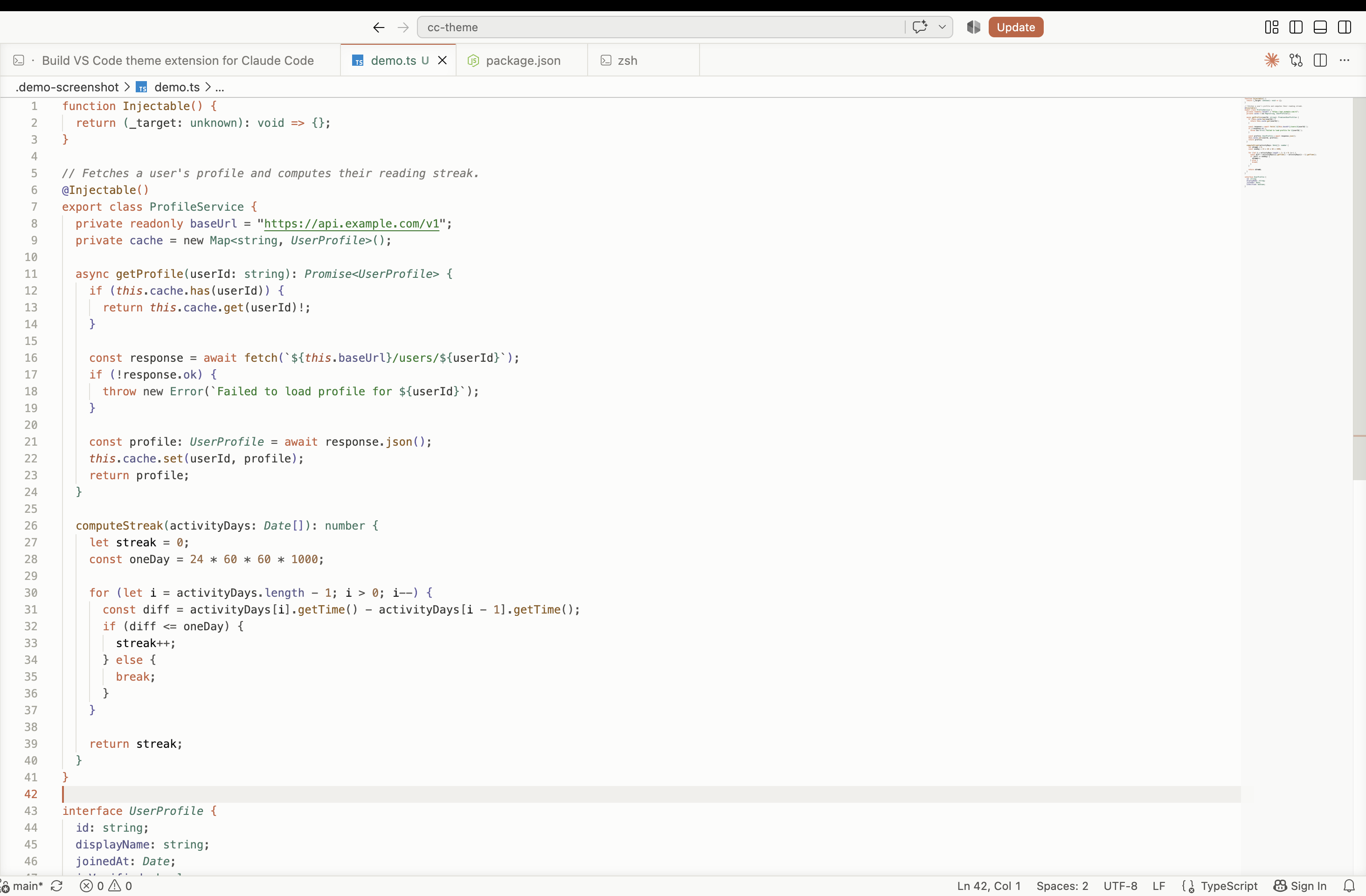 |
Install (local dev)
Package and install the .vsix rather than symlinking — VS Code doesn't reliably resolve an icon theme's image assets through a symlinked dev extension.
npx @vscode/vsce package
Command Palette → Extensions: Install from VSIX... → select the generated file, reload VS Code, then Command Palette → Preferences: Color Theme to pick a color theme, Preferences: File Icon Theme → Clay Terminal Icons for the file icons, and Preferences: Product Icon Theme → Clay Terminal Icons for the UI glyphs. (None of these pickers have a default keybinding.)
Recommended settings
Optional settings.json tweaks that pair well with the coral accent and warm-gray palette:
{
  "editor.fontFamily": "'JetBrains Mono', 'Berkeley Mono', Menlo, monospace",
  "editor.cursorStyle": "line",
  "editor.cursorBlinking": "solid",
  "editor.minimap.enabled": false,
  "editor.bracketPairColorization.enabled": true,
  "editor.guides.bracketPairs": true,
  "workbench.iconTheme": "clay-terminal-icons",
  "workbench.productIconTheme": "clay-terminal-product-icons"
}
None of this is required — the themes and icon themes work with default settings.