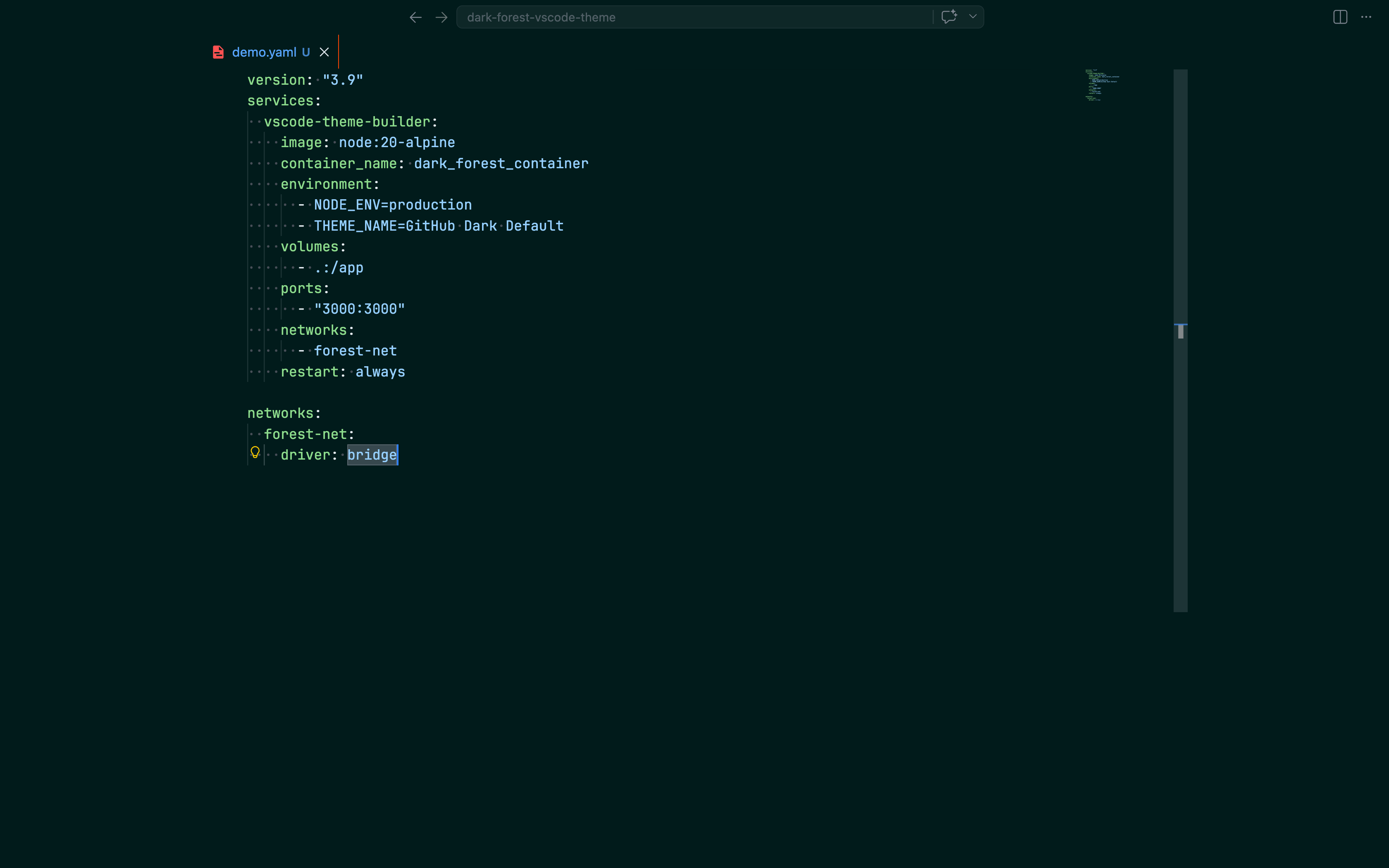
Dark forest-themed VS Code theme with deep teal hues and vibrant orange accents.
Installation
From VS Code Marketplace
- Open Extensions sidebar in VS Code (
Ctrl+Shift+XorCmd+Shift+X) - Search for
Dark Forest - Click Install
- Go to Settings → Color Theme and select
dark-forest
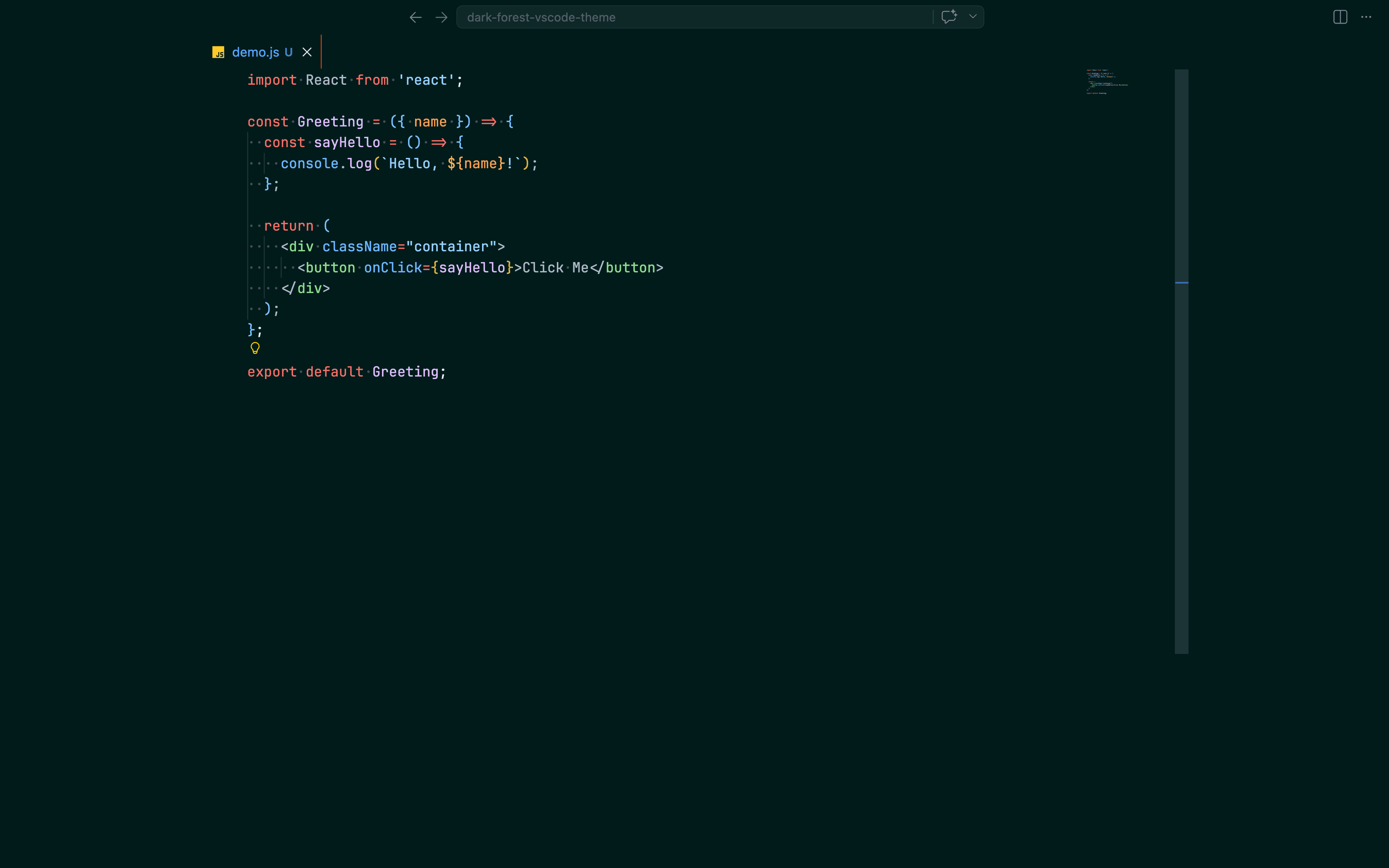
JavaScript
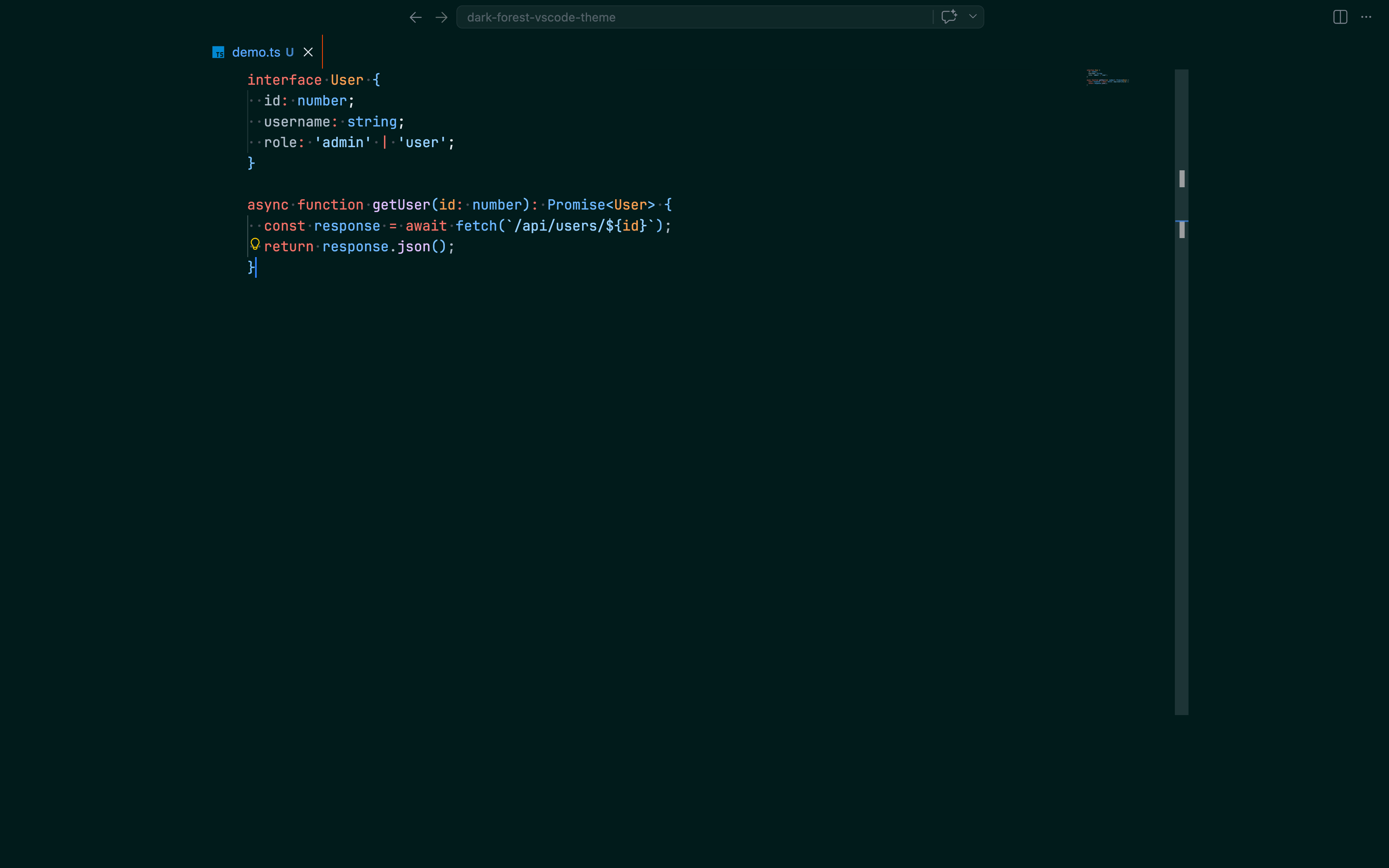
TypeScript
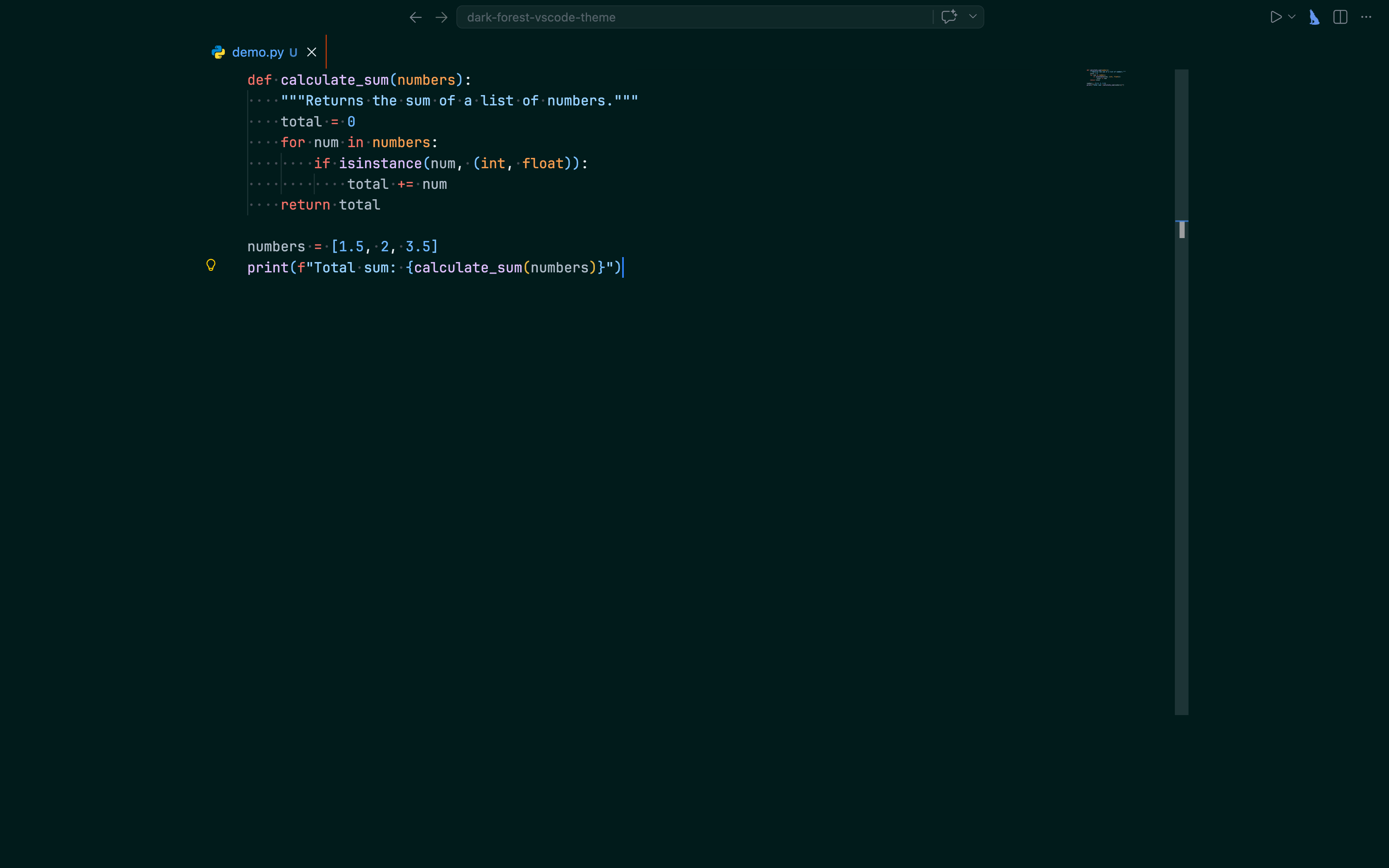
Python
Go
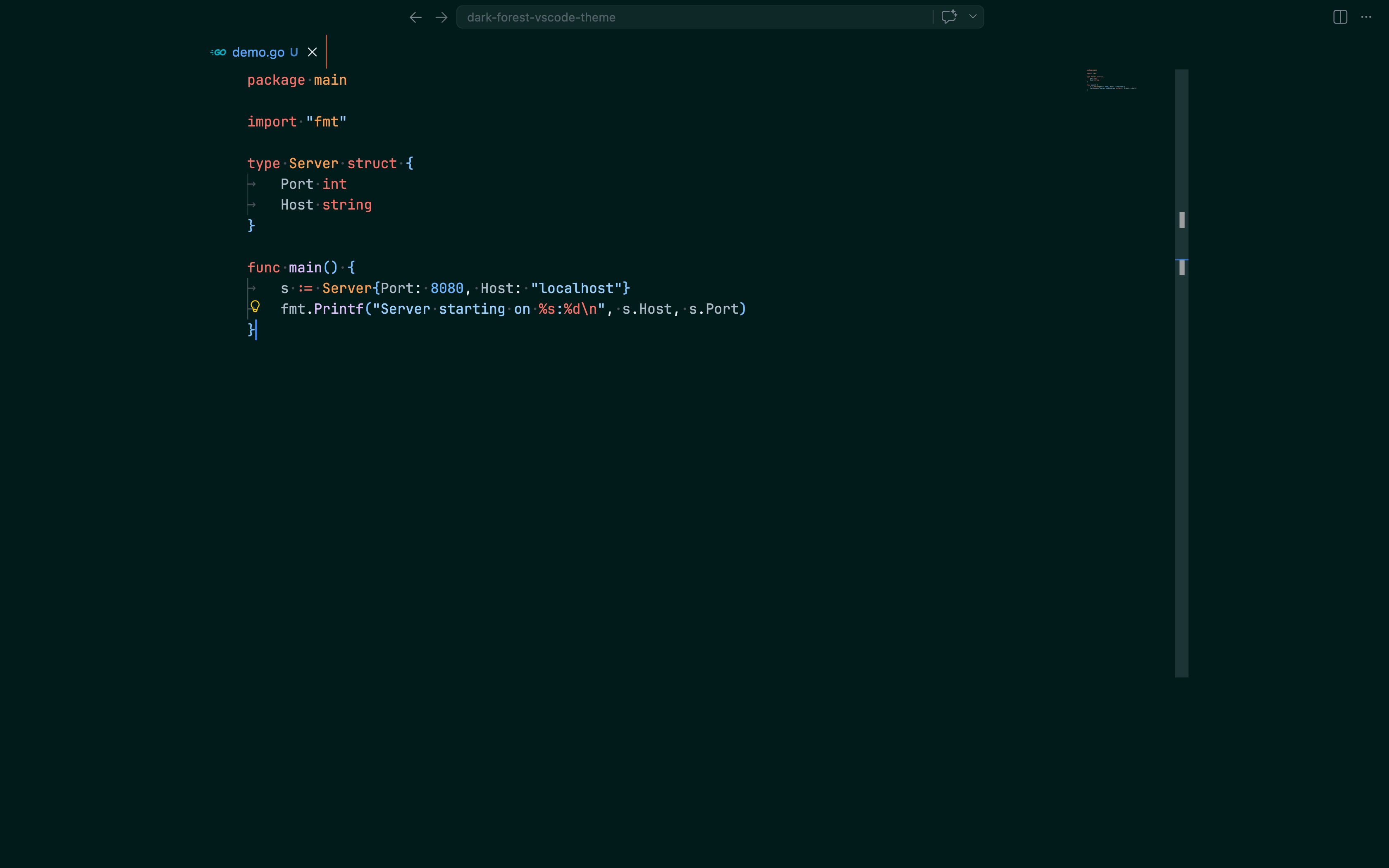
Rust
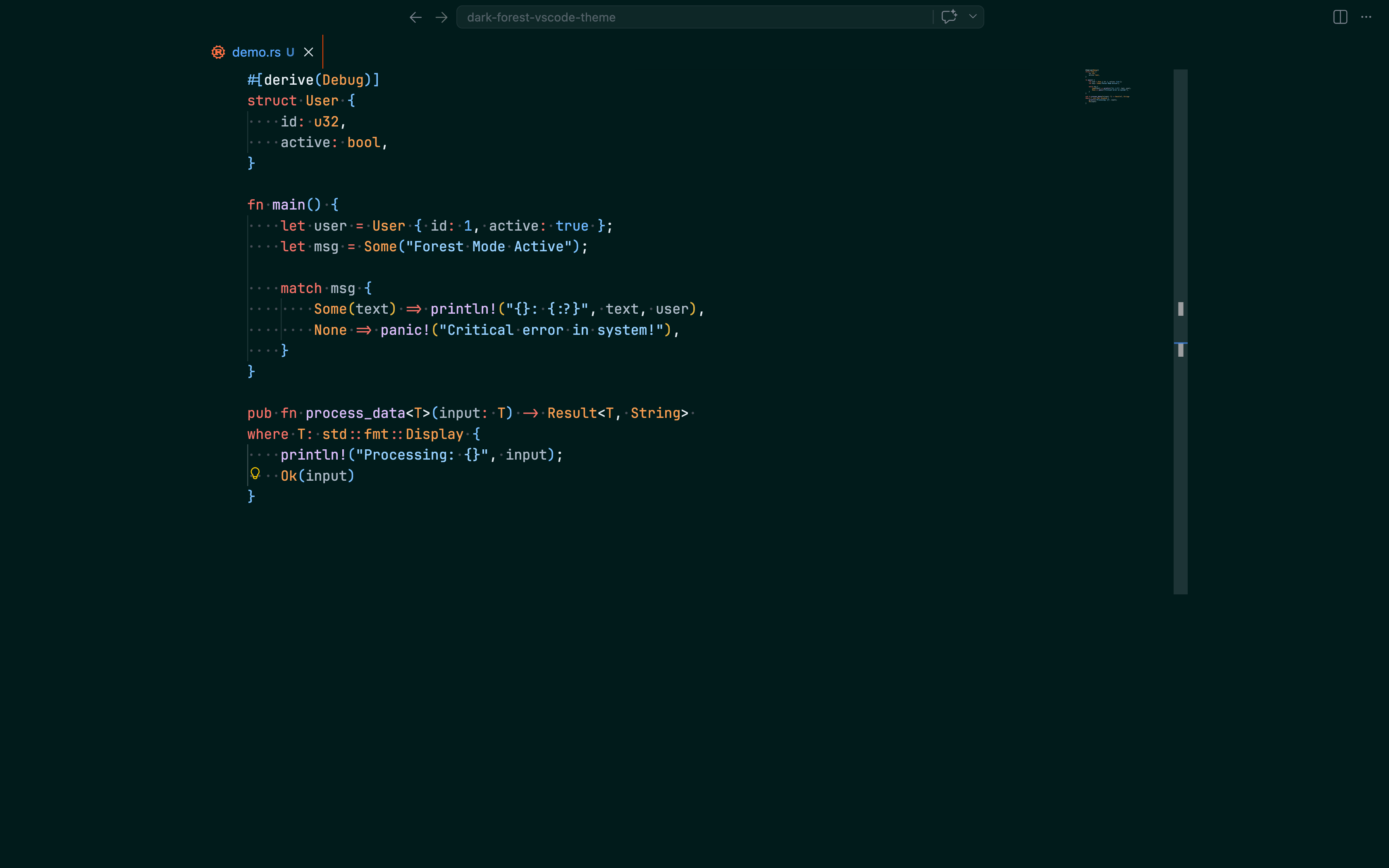
C#
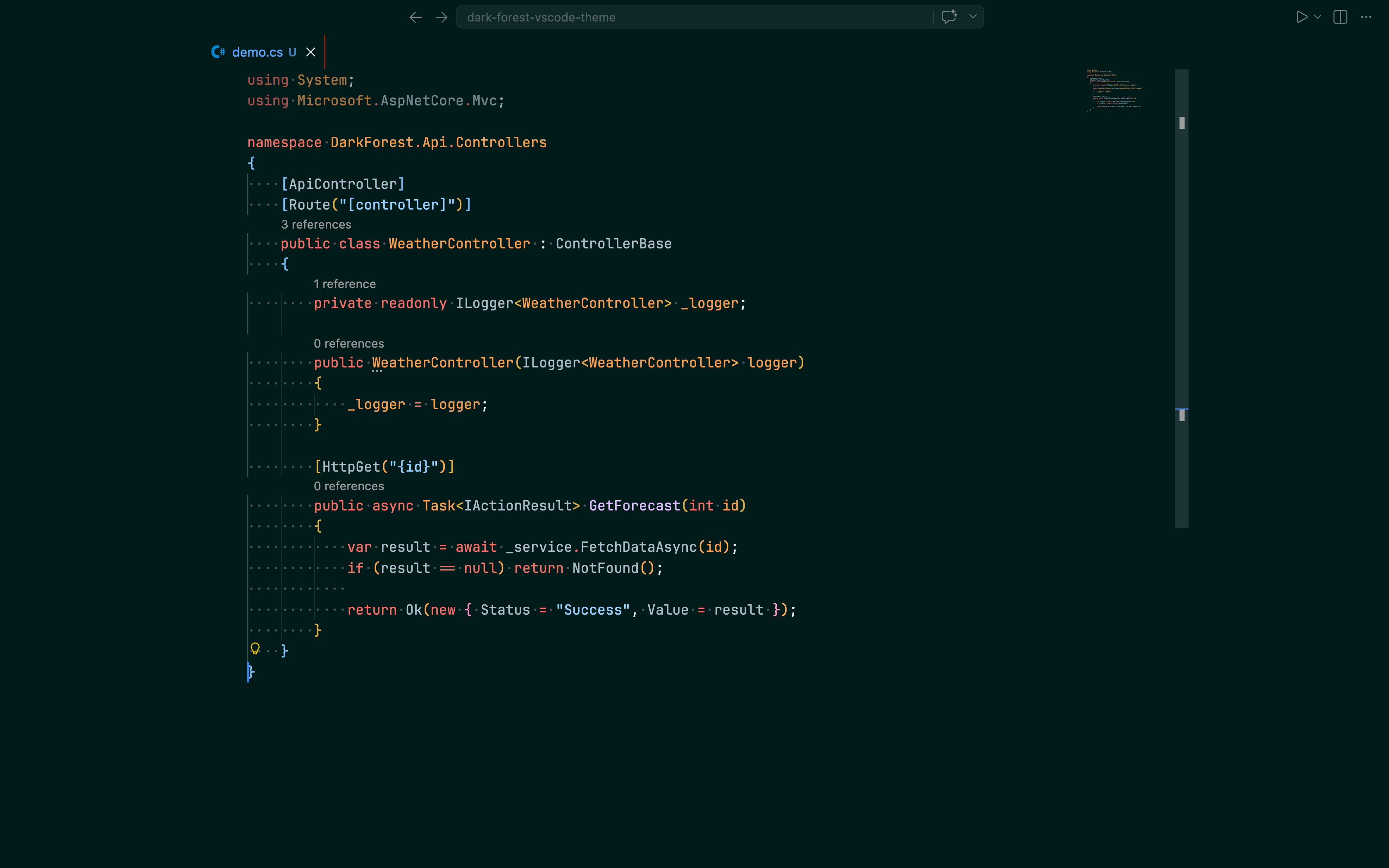
JSON
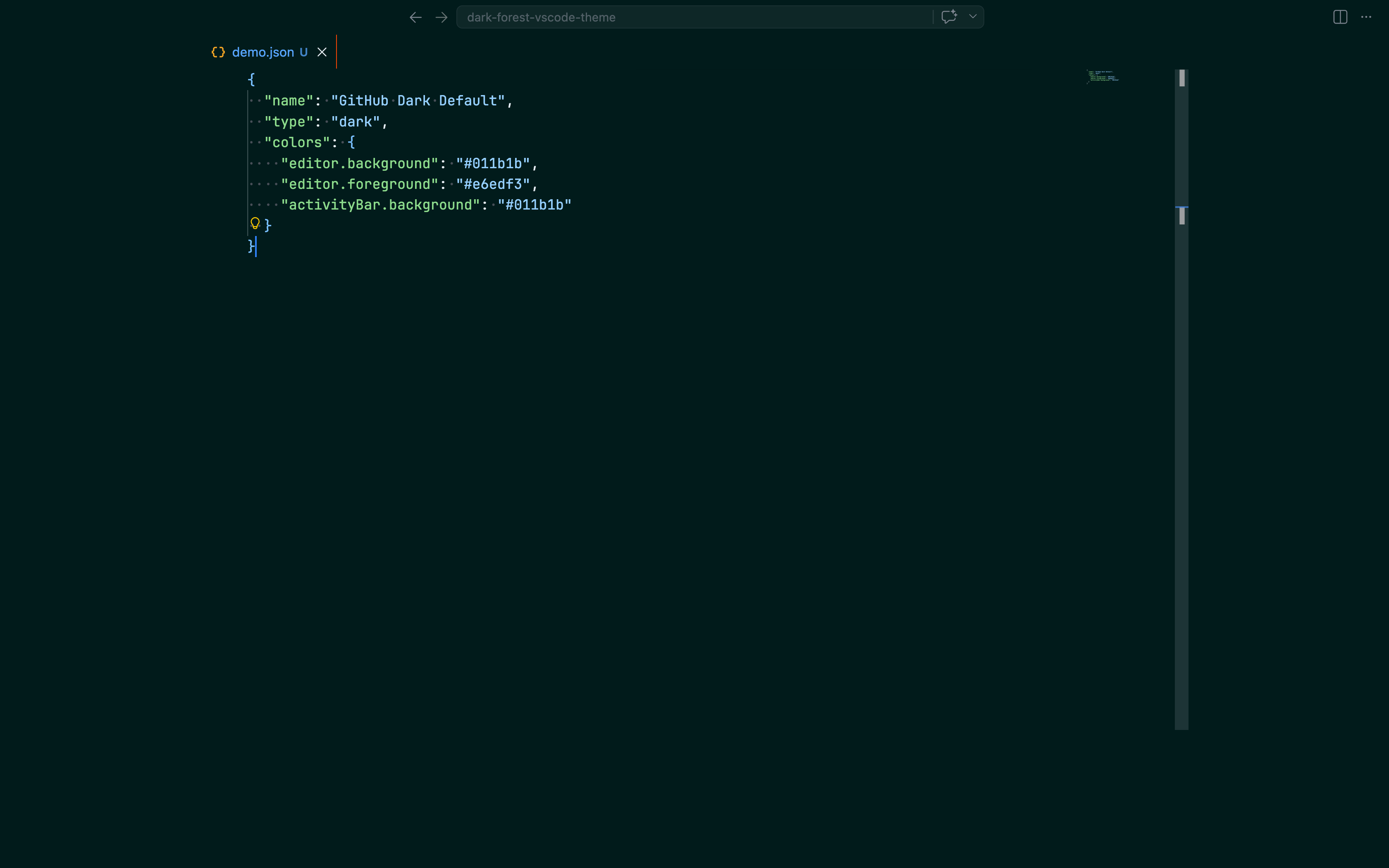
YAML