A calm dark theme for Visual Studio Code with soft contrast, neutral editor surfaces, and balanced syntax colors designed for long coding sessions.
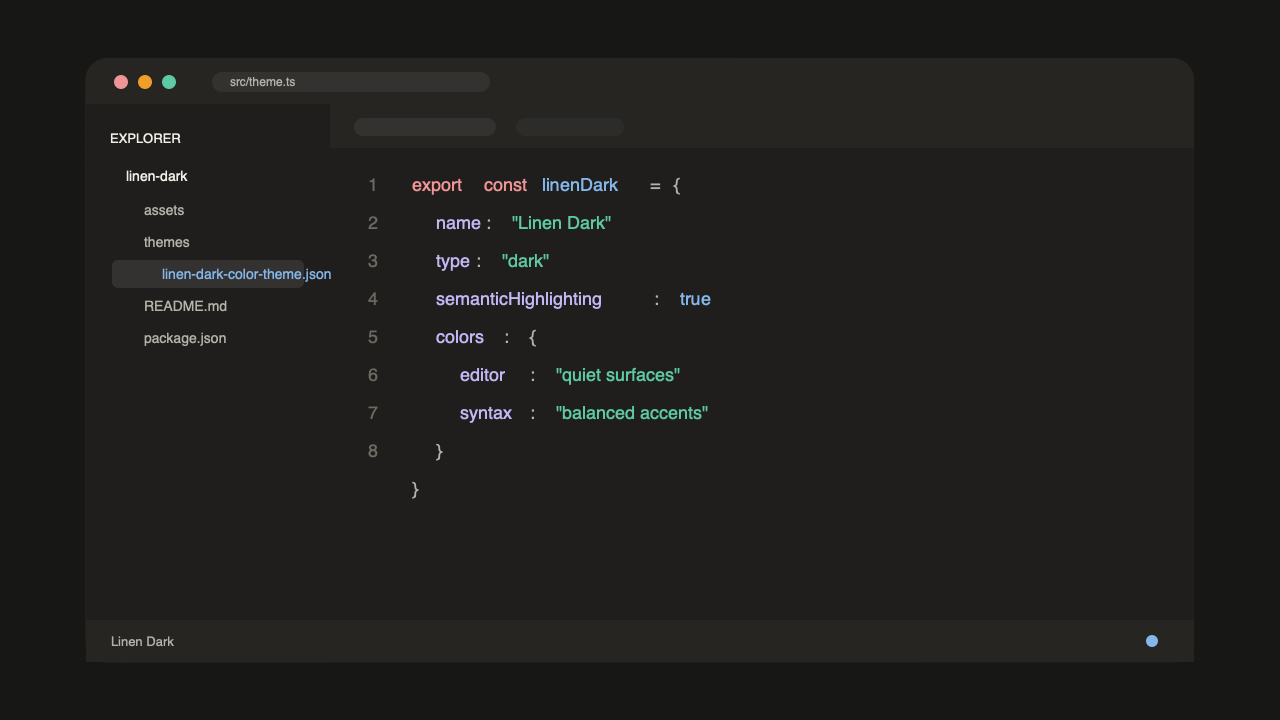
Highlights
- Low-glare dark editor background with readable foreground text.
- Clear syntax highlighting for TypeScript, JavaScript, JSON, Markdown, CSS, shell, and common backend languages.
- Refined workbench styling for the Explorer, tabs, terminal, panels, menus, and command palette.
- Matching terminal colors and semantic token support.
Install
After installing the extension, open the Command Palette and run:
Preferences: Color Theme
Then select:
Linen Dark
Local Development
Open this repository in VS Code, press F5, and choose Linen Dark in the Extension Development Host window.