A collection of four beautiful, carefully curated VS Code themes from the airess design system.
Themes
lumen airess — Light theme with lilac purple accents ✨
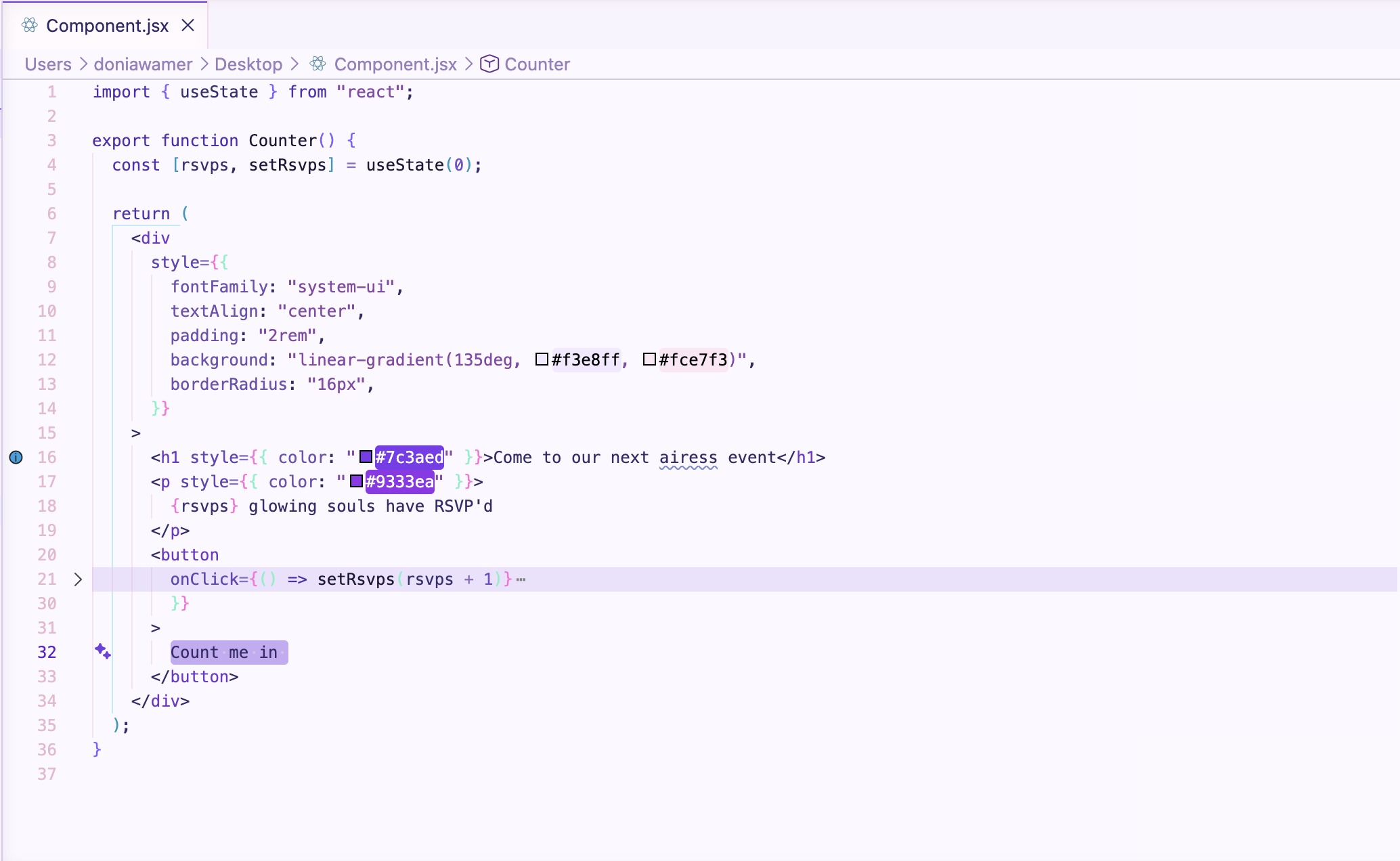
airess bloom — Light theme with rosy pink accents 🌸
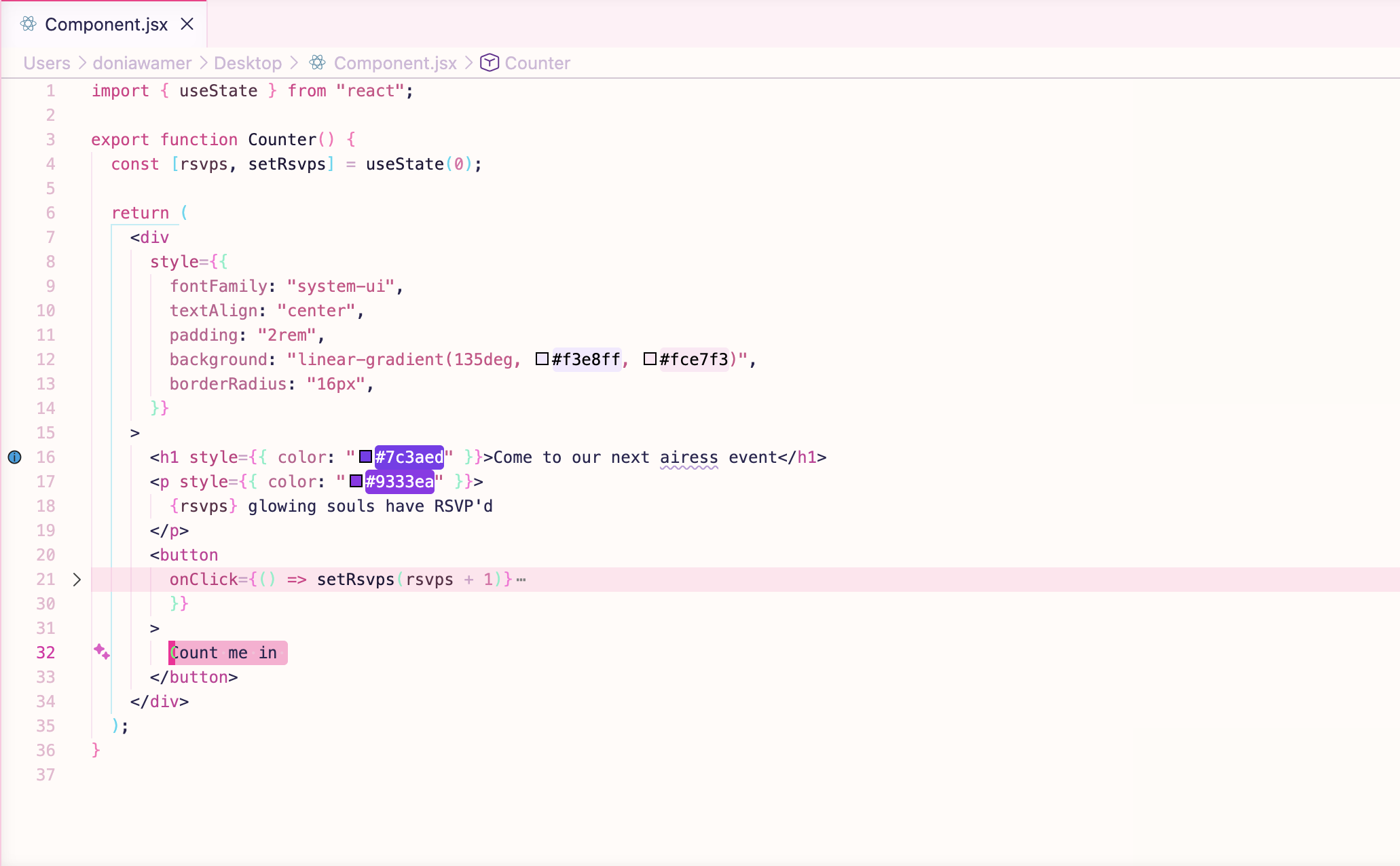
midnight airess — Dark theme with magenta noir accents 🌙
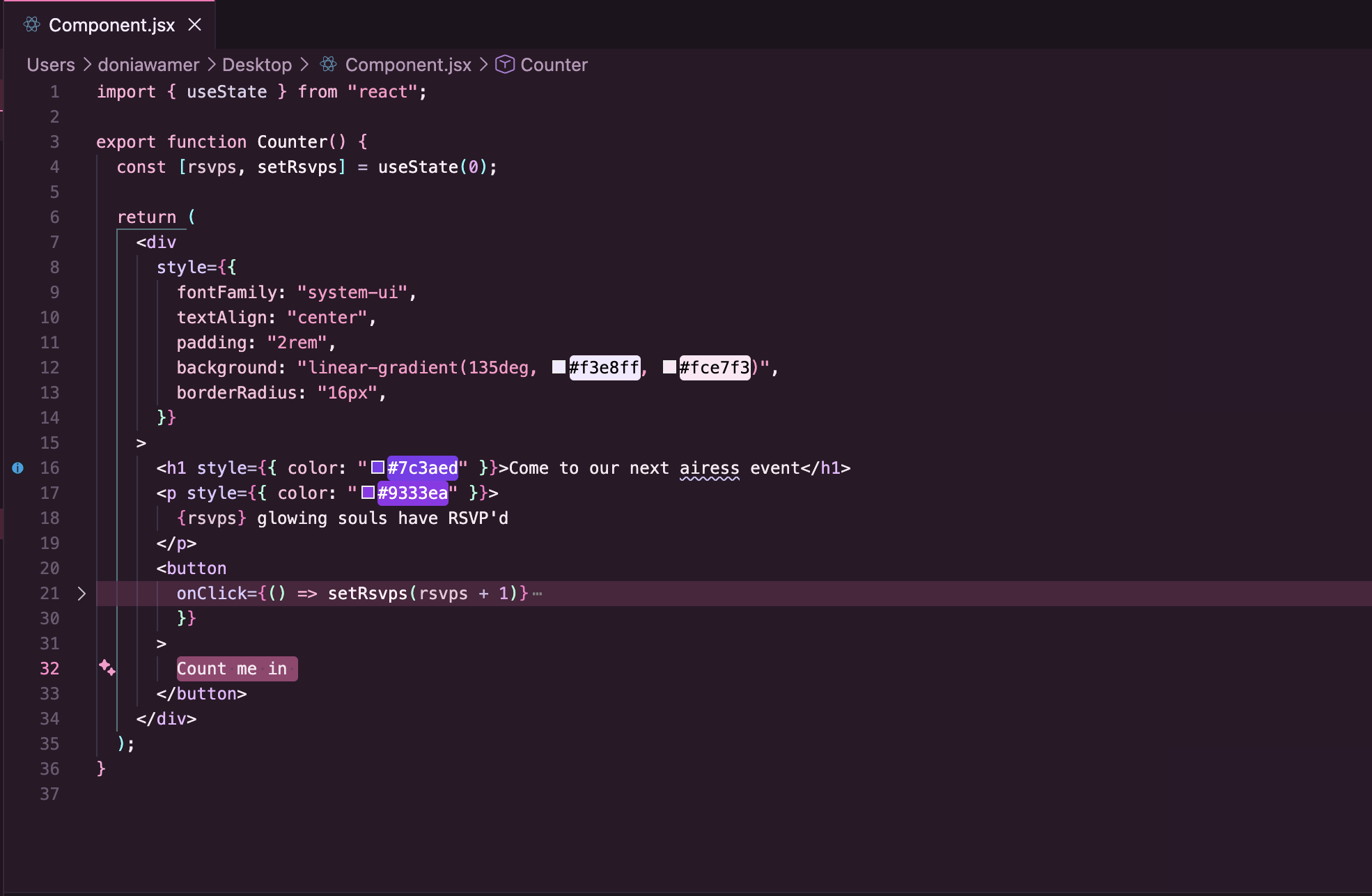
velvet airess — Dark theme with deep indigo accents 💜
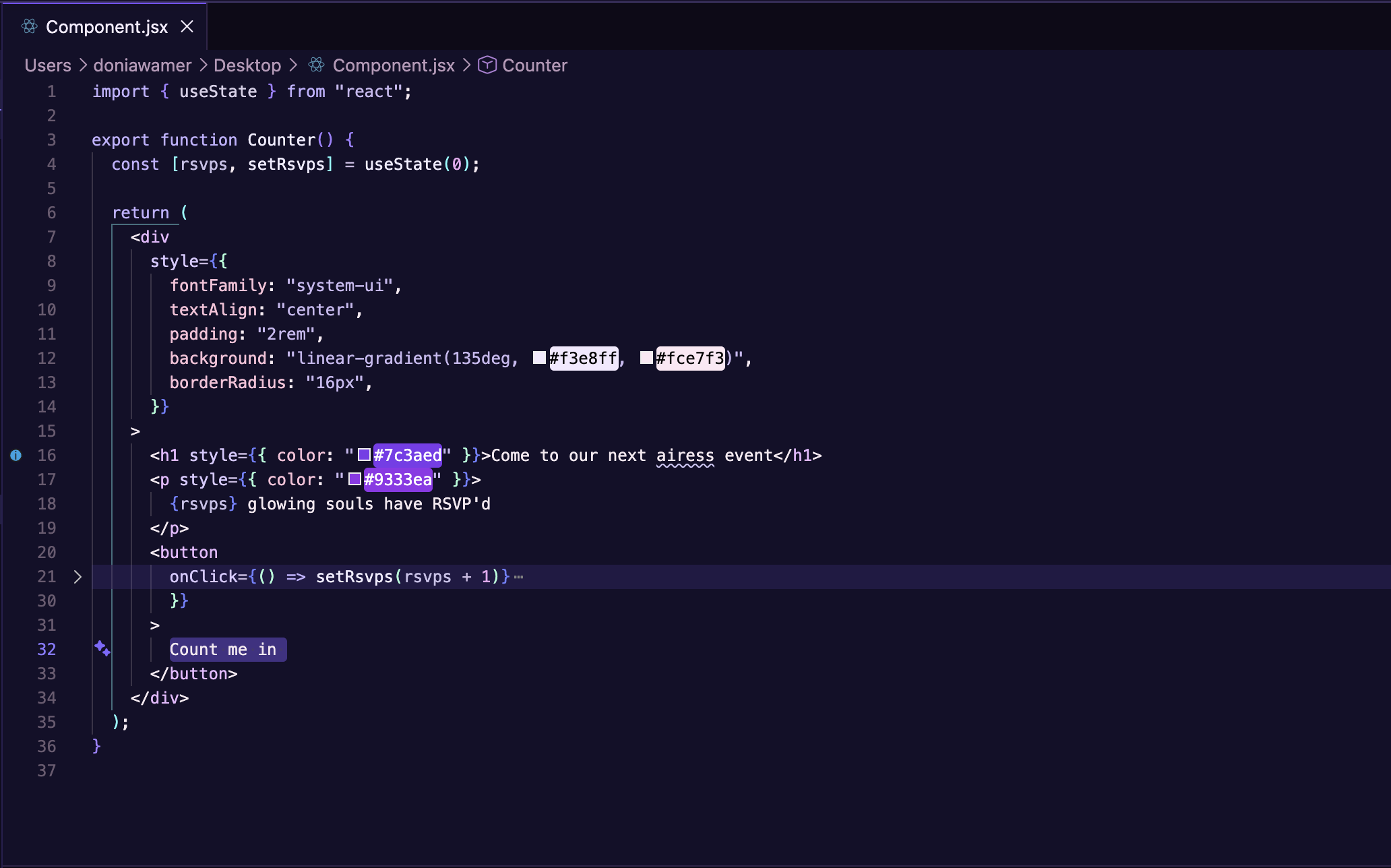
Features
- Carefully selected color palettes for reduced eye strain
- Support for bracket pair colorization
- Optimized cursor styling and behavior
- Inlay hints and code lens styling
Installation
- Open VS Code
- Go to Extensions (
Ctrl+Shift+X/Cmd+Shift+X) or the sidebar - Search for airess glow
- Click Install
Usage
After installation, select your preferred theme:
- Open Command Palette (
Ctrl+Shift+P/Cmd+Shift+P) - Type Color Theme
- Choose from:
- lumen airess
- airess bloom
- midnight airess
- velvet airess
Want to make your own theme?
You can fork airess glow and customize the colors to create your own VS Code theme.
For the full step-by-step guide, see CUSTOMIZE.md.