
Scaffold a production-shaped ASP.NET Core 10 + React 19 app in seconds — right from VS Code.
NetForge is an opinionated, AI-ready, beautiful-out-of-the-box starter for line-of-business apps — built to be extended by AI or by you. Its vertical-slice architecture and clear conventions let an AI assistant add a whole feature from a single prompt, and keep the result readable enough for you to review at a glance. This extension lets you create one without leaving the editor: pick an edition, database, theme, and accent colour, name it, and you're running.
Features
- NetForge: New Project… — a guided wizard in the Command Palette (edition, database, theme, accent colour).
- Community scaffolds locally with
dotnet new— offline, instant, no sign-in. The extension installs theNetForge.Templatespackage the first time and checks your .NET SDK for you. - A NetForge view in the activity bar — a launch pad for new projects, the configurator, the live demo, and the docs.
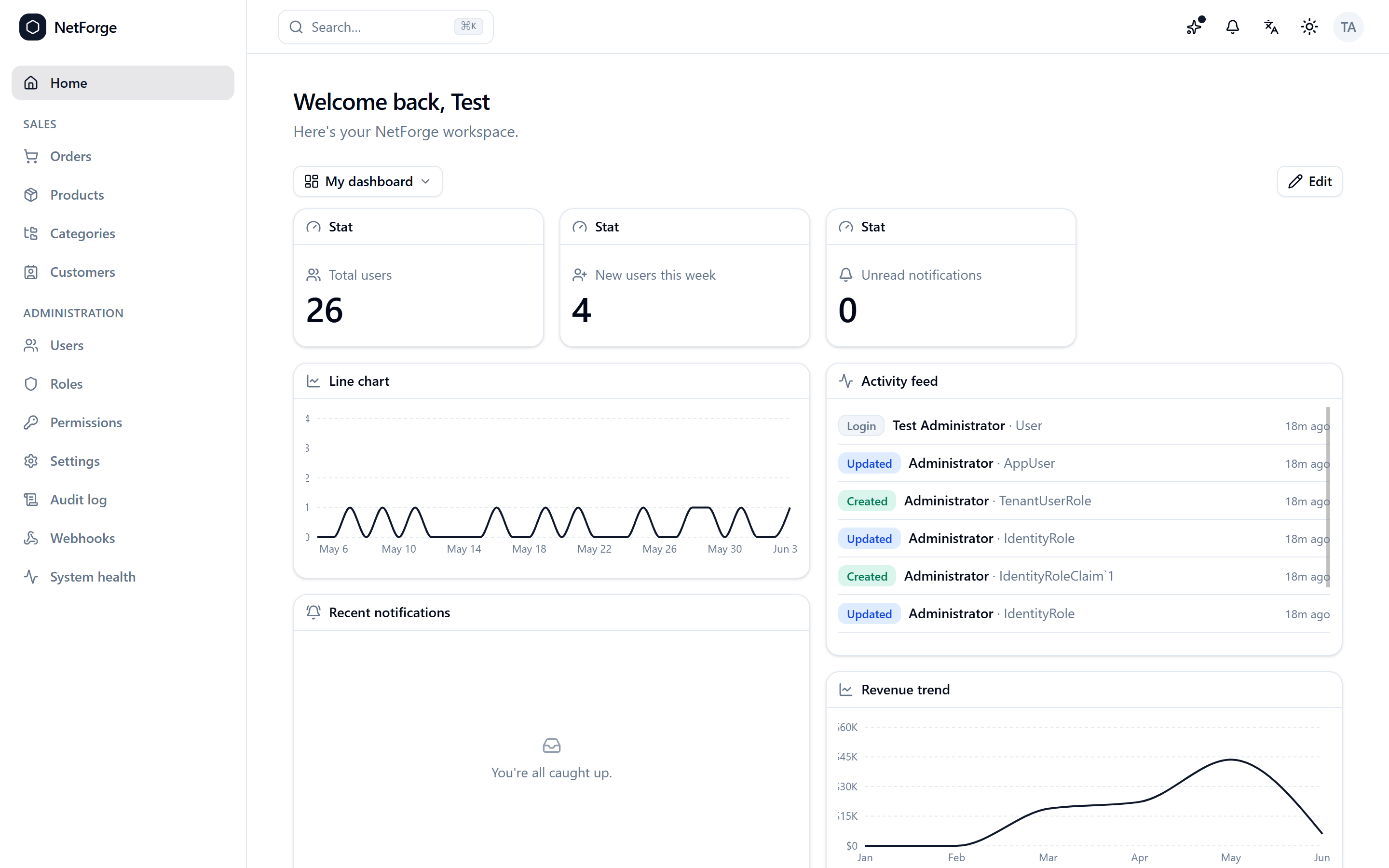
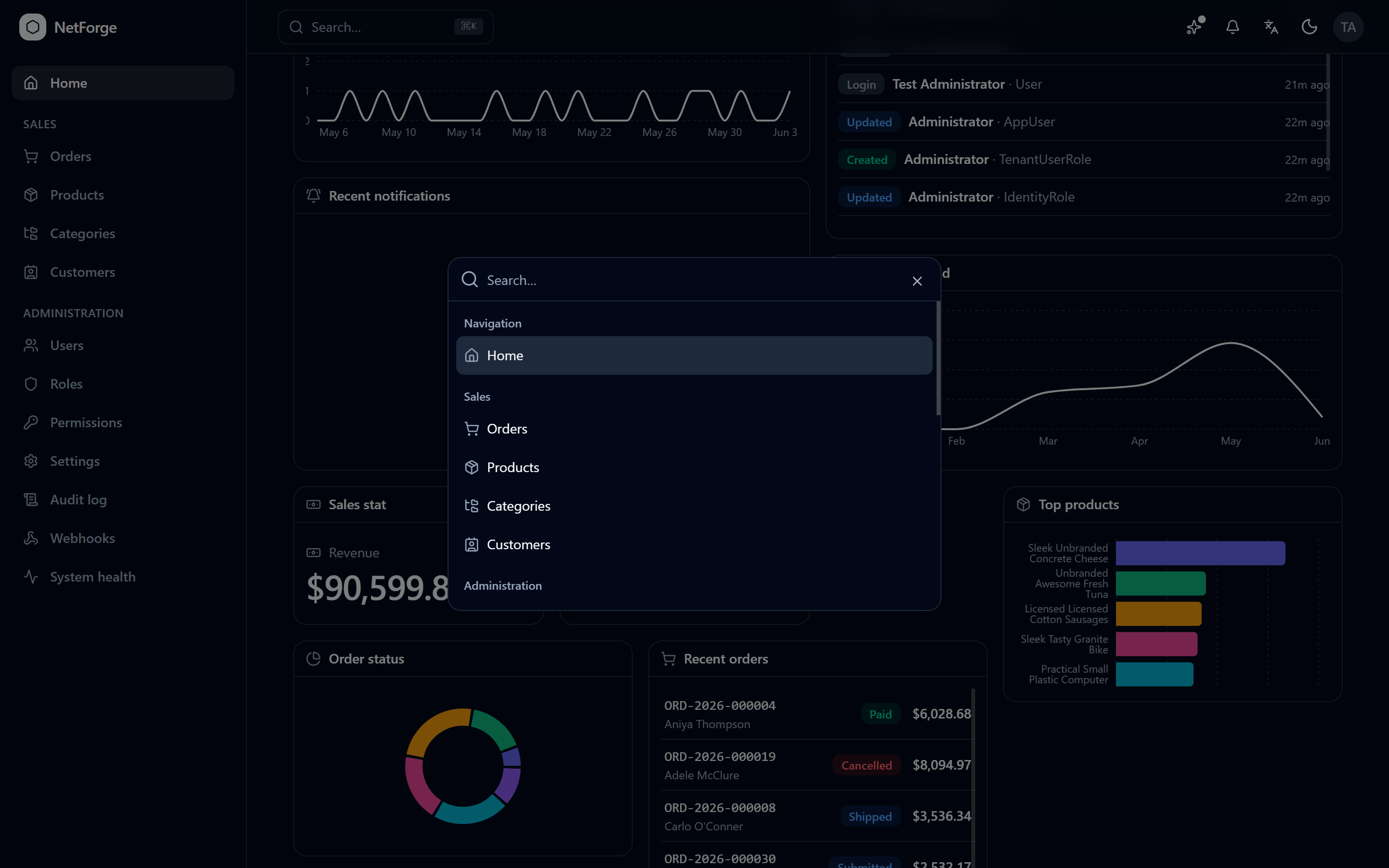
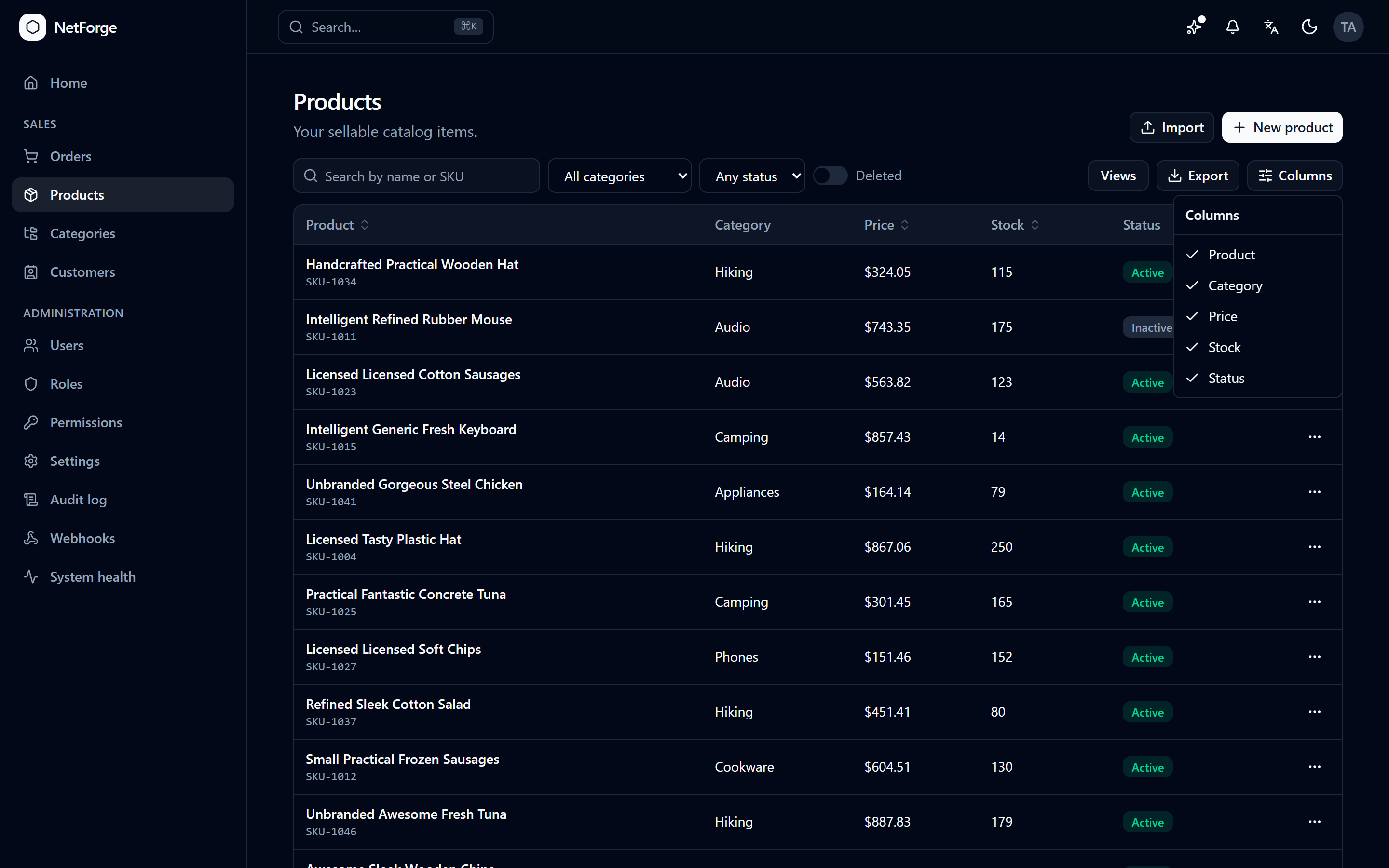
- A Pro showcase — see exactly what the Pro edition unlocks, with screenshots, without leaving VS Code.
- A Get Started walkthrough that takes you from scaffold to running app.
Requirements
- The .NET 10 SDK (for Community scaffolding & running).
- Node.js is bundled into the workflow by the template; the server starts the React client for you.
Community vs Pro
| Community (free, MIT) | Pro | |
|---|---|---|
| Auth, RBAC, admin, theming | ✅ | ✅ |
| Vertical-slice architecture, DataGrid, forms | ✅ | ✅ |
| Multi-tenancy, audit, dashboards | — | ✅ |
| Global search, notifications, webhooks | — | ✅ |
| 2FA/OAuth/sessions, uploads, export/import, jobs | — | ✅ |
| PWA, tour, changelog, Sales demo domain | — | ✅ |
The Community edition is scaffolded locally and is free forever under the MIT license. Pro is generated from the configurator after signing in, and is unlocked by any GitHub Sponsors tier.
Getting started
- Run NetForge: New Project… from the Command Palette (
Ctrl/Cmd+Shift+P). - Choose Community, pick your database / theme / accent colour, name your app, and pick a folder.
- Open the project and run
dotnet run --project NetForge.Server— that single command starts both the API and the React client.
Links
- 🌐 Configurator · ▶ Live demo · 📘 Docs
- 💜 Sponsor & unlock Pro
License
The extension is MIT-licensed. The Community template it scaffolds is MIT; the Pro edition is sponsor-licensed.