Rich Notes with Mermaid Diagrams is a note-taking editor for files and folders in the Explorer. It lets you create and edit rich-text notes with support for Mermaid diagrams, images, HTML tables, and right-to-left (RTL) content.
How to use
- Right-click any file or folder in the Explorer and select Open a Note.
- If a note already exists for that node, it will open.
- If no note exists, a new one will be created.
- The node can be either a file or a folder.
Features
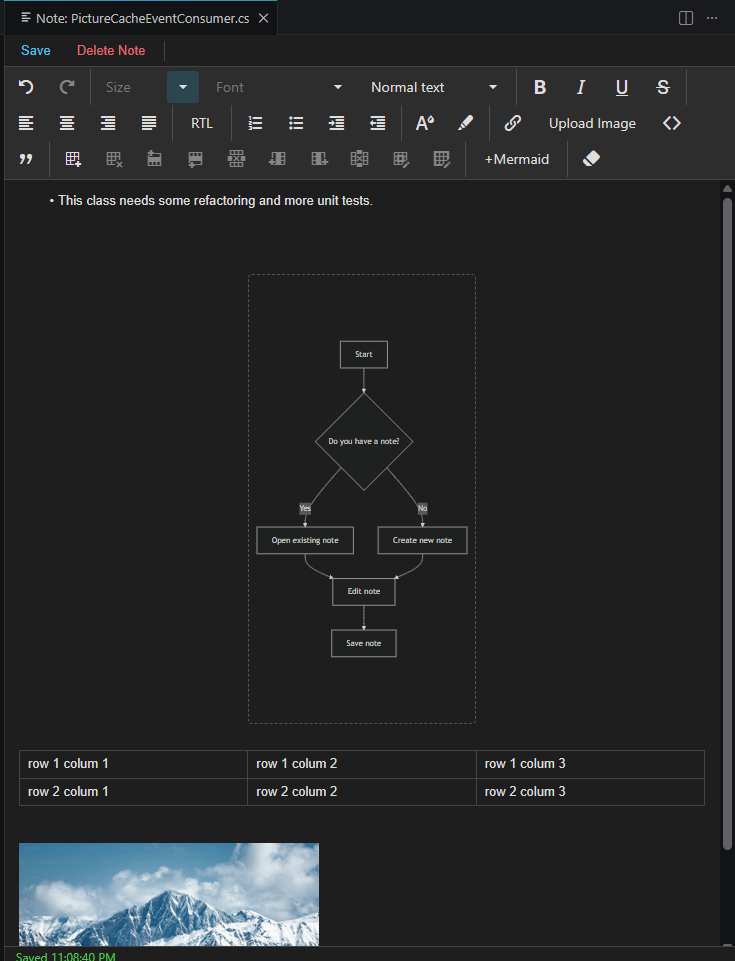
- HTML editor for rich notes.
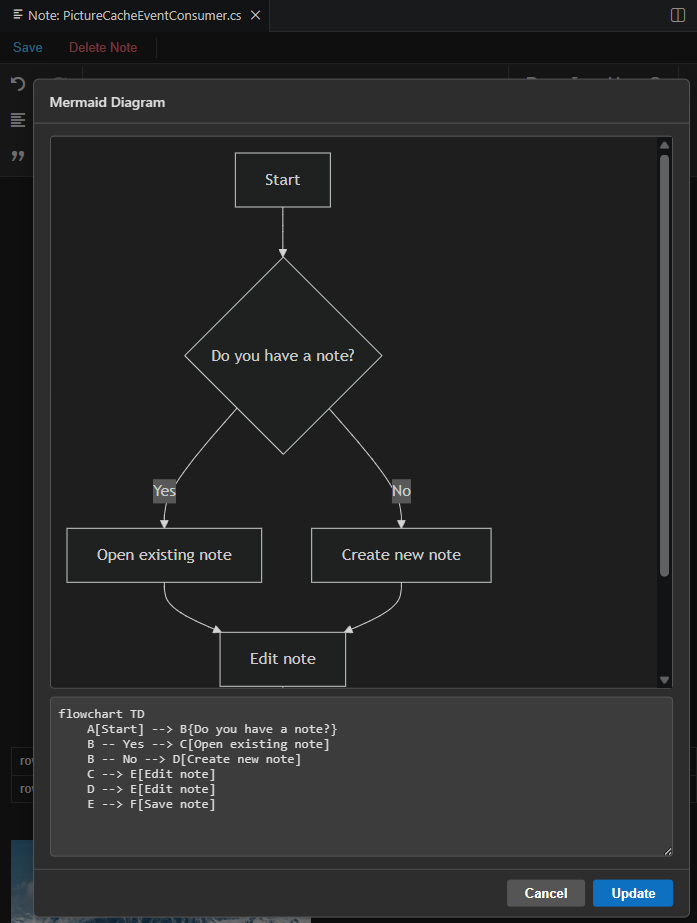
- Edit and insert Mermaid diagrams.
- Add images.
- Insert HTML tables.
- Support for RTL content on any node in the Explorer.
- Double-click a diagram to edit it.
- Resize diagrams as needed by dragging its handles.
Notes storage
All notes are stored in a folder named .vsnotes.
Notes Explorer
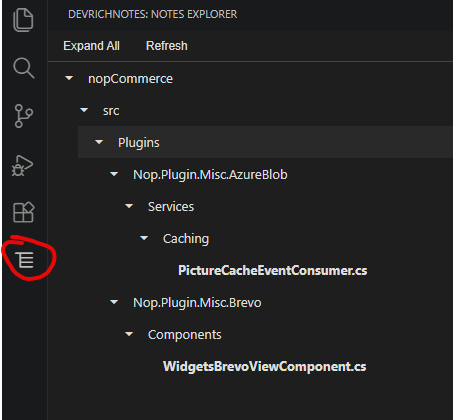
- Open Notes Explorer from the Activity Bar to see all your notes.
- The tree view shows the same structure as the Explorer.
- Double-click any node to open its corresponding note.
- New notes and deleted notes are reflected in Notes Explorer in real time.
Note Editor
Notes Explorer
Mermaid Diagram Editor
For support and feedback, contact the author at [email protected].